Imagine a Monday morning at 08:15. Your employees arrive at the office. The computers start, but nothing works.
You cannot access the files.
Business applications are no longer responding.
Email is unavailable.
Client records are inaccessible.
Invoicing has stopped.
Your team contacts IT support. After several checks, the diagnosis comes back: a major incident is affecting your infrastructure.
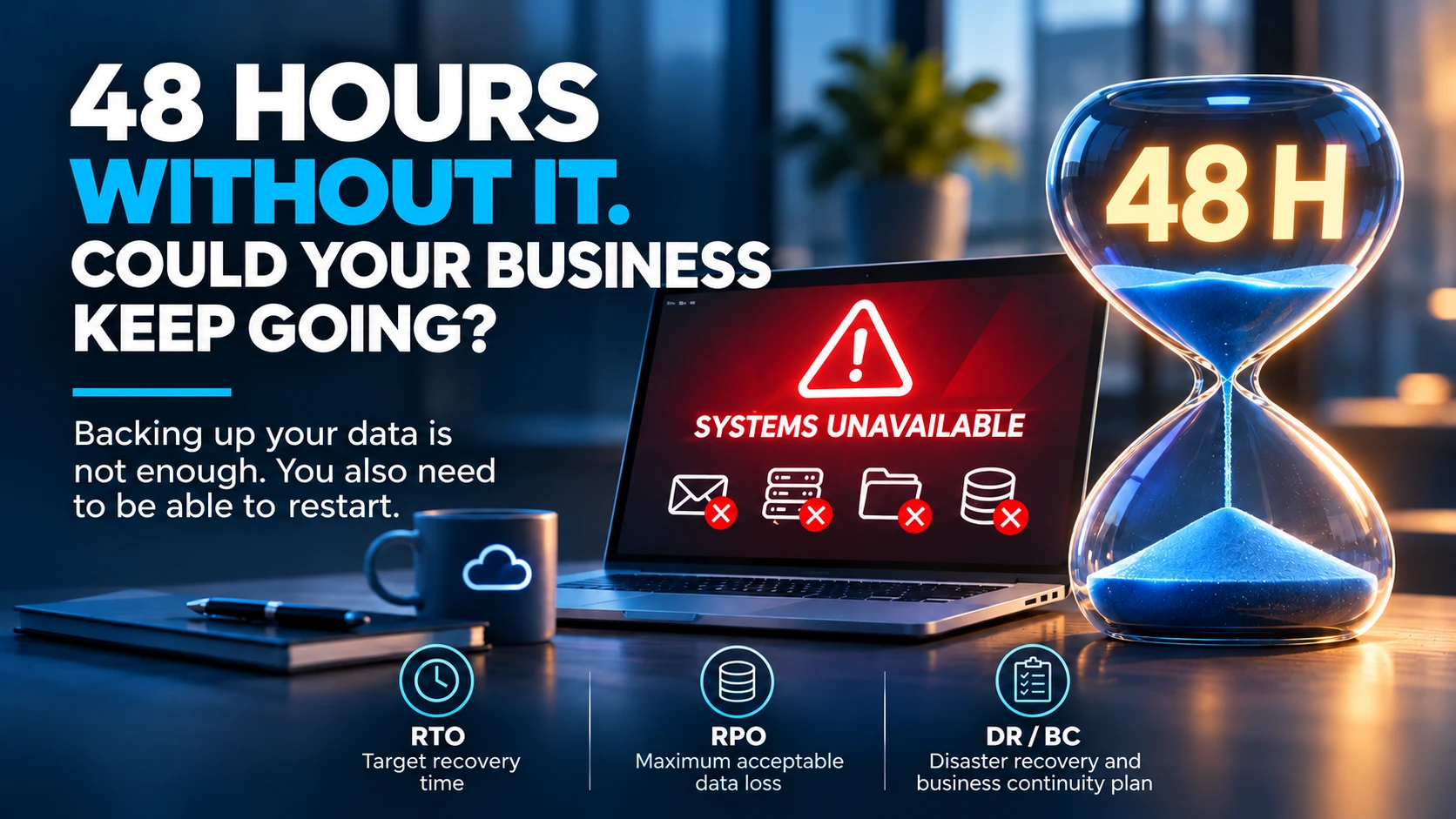
Returning to normal could take 48 hours.
What do you do?
This scenario may seem extreme. Yet a hardware failure, cyberattack, human error or an incident at a supplier can be enough to interrupt a significant part of a business's activities.
The real question is not just how to fix the problem.
It is how to keep operating while it is being fixed.
1. An IT outage is not just an IT problem
In an SME, IT systems have become essential to almost every activity.
An architectural practice may lose access to its drawings, BIM models and construction project files.
An accounting and fiduciary firm may find itself unable to access clients' accounting records or meet certain deadlines.
An industrial business may see production slow down or stop if its management or control applications become unavailable.
A services company may temporarily lose access to its CRM, schedules, contracts and invoicing.
In each of these examples, the problem quickly extends beyond the IT department.
It affects employees, clients, suppliers and sometimes the company's reputation.
A failed server can be repaired. The commercial consequences of a prolonged interruption can be much harder to recover from.
2. What does 48 hours of downtime really cost?
Take the fictional example of an SME with 25 employees.
Suppose 20 people depend heavily on IT and their average fully loaded cost is CHF 65 per hour.
Over two eight-hour working days, the theoretical cost of the working time affected is:
20 employees × 16 hours × CHF 65 = CHF 20'800.
This amount is an illustration, not a universal estimate of financial loss.
Some staff may continue with other tasks, some hours may be made up, and not all unavailable working time automatically becomes a net loss.
Conversely, this calculation does not include:
- Potentially lost revenue.
- Delayed orders or deliveries.
- Exceptional technical interventions.
- Possible contractual penalties.
- The cost of reconstructing data.
- The consequences for clients.
- The time needed to clear the backlog.
The actual impact therefore depends on the sector, the timing and the processes affected.
But this exercise reveals one thing: the cost of an IT outage is never limited to the invoice from the provider restoring the systems.
3. Having backups does not mean you can restart quickly
This is probably one of the most common misconceptions.
A business may run daily backups and still find itself unable to resume operations for several days.
Why?
Because backing up data and restoring a production environment are two different operations.
Imagine your main server fails permanently.
You have a fully working backup.
Excellent news.
But what infrastructure will you restore it to?
Do you have a replacement server?
Are the necessary resources available?
How long will it take to rebuild the virtual machines, restore the databases, reconfigure access and validate the applications?
And, above all, have you ever tested this procedure?
A successful backup guarantees neither a successful restore nor a rapid return to business operations.
That is precisely why a genuine continuity strategy must go beyond simply taking backups.
4. RTO and RPO: two measures every business leader should know
The acronyms are technical, but the concepts are simple.
RTO: how long can you afford to be down?
The Recovery Time Objective defines the maximum target time for restoring a service after an interruption.
For example, if your invoicing application has an RTO of four hours, your organisation needs the means to aim for recovery within that period.
However, an RTO is not an automatic guarantee: it must be realistic, documented and validated through testing.
RPO: how much data can you afford to lose?
The Recovery Point Objective represents the maximum acceptable data loss, expressed as a period of time.
If your RPO is one hour, your strategy must allow you to recover data from less than one hour before the incident, in the scenarios covered.
By contrast, a backup taken once a day may expose the business to approximately 24 hours of data loss, depending on when the incident occurs.
A practical example
For an SME, the objectives might be as follows:
| Service | Target RTO | Target RPO |
|---|---|---|
| Critical business application | 4 hours | 1 hour |
| File server | 8 hours | 4 hours |
| Secondary application | 24 hours | 24 hours |
These values are examples only. They must be defined according to each business's actual needs.
What matters is understanding that not every system should be protected in the same way.
An application that directly determines revenue should not necessarily have the same recovery objectives as a tool used only occasionally.
5. PRA and PCA: two complementary approaches
You will often hear about the PRA, the French term for a disaster recovery plan.
Its purpose is to organise the restoration of systems after a major incident.
It defines recovery priorities, technical dependencies, responsibilities, procedures and the resources required, among other things.
But another concept is just as important: the PCA, the French term for a business continuity plan.
The distinction is worth understanding.
The PRA answers the question: how do we restart?
The PCA answers the question: how do we keep working during the incident?
For example, if your ERP is unavailable, does your business have a temporary procedure for recording orders?
If files can no longer be accessed, can some activities continue using documents available offline?
If email goes down, is there an alternative communication channel that employees know about?
Who decides the priorities?
Who informs clients?
Who coordinates providers?
An effective continuity plan does not depend on IT alone.
It also involves management, business function leads and employees.
6. The cloud does not remove the risk of interruption
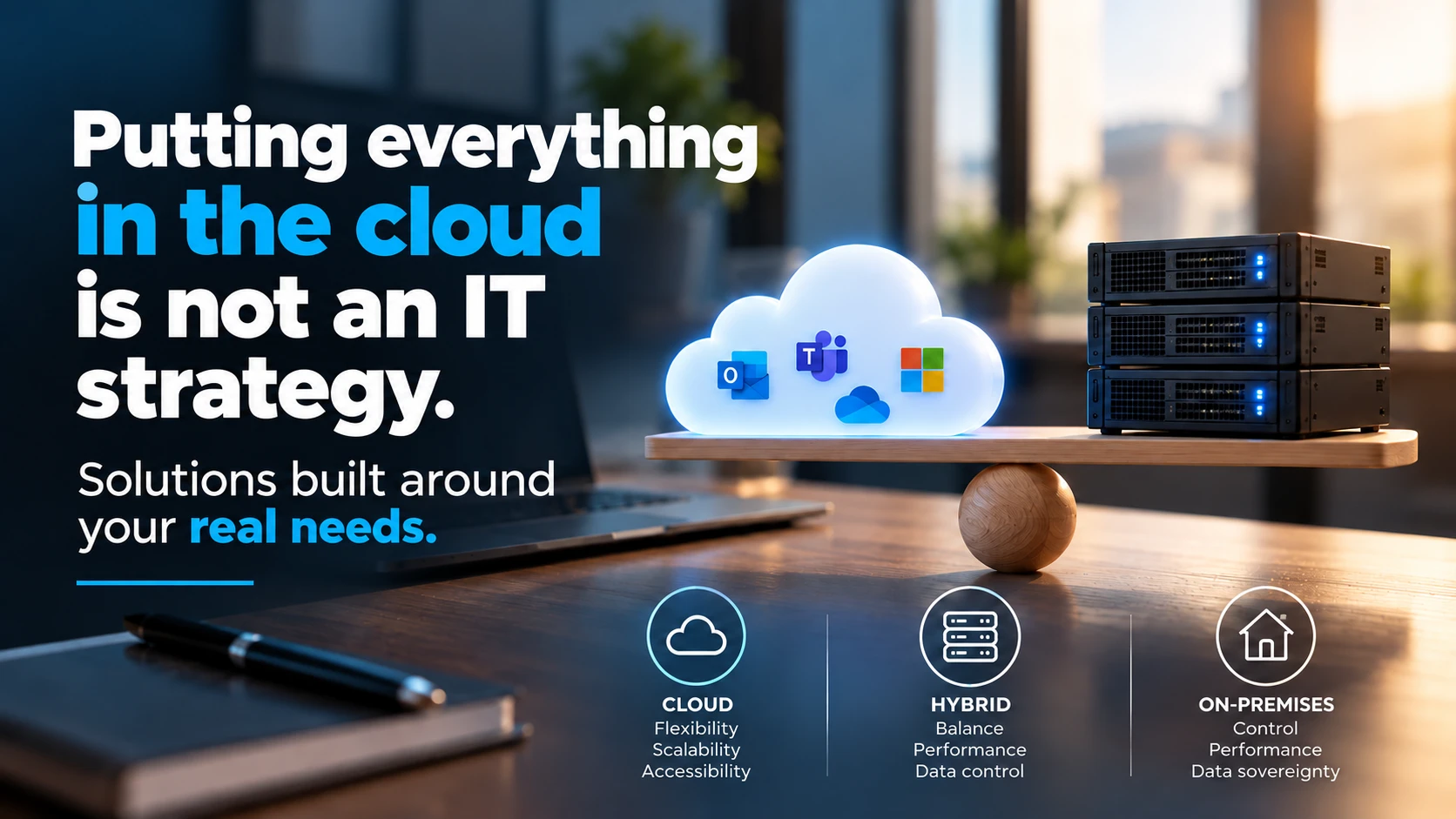
Moving applications to Microsoft 365, Azure or another cloud provider can improve the resilience of certain services.
But it does not mean the business automatically becomes immune to incidents.
An internet connection failure, a provider outage, a misconfiguration, an accidental deletion or an account compromise can still disrupt operations.
The cloud transfers some technical responsibilities.
It does not remove dependencies or the need to plan continuity procedures.
Similarly, on-premises infrastructure can offer excellent availability if it has redundancy, suitable backups and proven recovery mechanisms.
The issue is therefore not where your servers are located, but how your business responds when the services it depends on become unavailable.
7. An untested disaster recovery plan remains an assumption
Documenting procedures is a first step.
But a document has never restarted a server on its own.
A recovery plan must be tested.
This can start simply, by restoring a file or a virtual machine in an isolated environment.
It can then develop into more comprehensive scenarios:
- Loss of a critical server.
- Database corruption.
- Unavailability of the main site.
- Compromise of administrator accounts.
- Recovery after a ransomware attack.
- Loss of connectivity or a provider outage.
These exercises let you measure actual recovery times, verify dependencies and identify weaknesses.
They often raise questions nobody had considered.
Does a piece of software need a particular licence to restart?
Does an application depend on another server?
Who holds the necessary credentials?
Is the documentation accessible even when the main infrastructure is unavailable?
Who verifies that the restored data can be used?
The right time to discover the limits of your recovery plan is during an exercise. Not during a crisis.
8. The six questions I would ask every SME leader
You do not need to be a systems engineer to assess how prepared your business is.
Start with these questions:
1. Which three IT systems are essential for our business to operate?
2. How long can we tolerate them being unavailable?
3. How much data can we lose without putting our operations at risk?
4. When did we last test a restore, and what results did we obtain?
5. Who makes decisions, and how do we communicate during a major incident?
6. Do we have a documented, accessible plan that can actually be put into practice?
If you do not know the answers, that does not necessarily mean your IT is poorly managed.
But it does suggest that an assessment would probably be worthwhile.
9. IT continuity is a management decision
You cannot ask an IT team to guarantee recovery within one hour without giving it the technical and financial means to achieve that.
High availability, replication, frequent backups, standby infrastructure and regular testing all have a cost.
And not every system justifies the same investment.
That is why continuity objectives must be defined with business function leads and approved by management.
The IT provider's role is to translate those objectives into realistic solutions, explain their limitations and regularly verify their effectiveness.
Management, in turn, must weigh up costs, risks and the consequences the business can accept.
That dialogue is essential.
Conclusion: 48 hours without IT is a long time. Without preparation, it can feel much longer.
We invest in firewalls, antivirus software, backups, licences and cloud services.
These investments are necessary.
But one question too often goes unanswered:
If everything stops tomorrow morning, do we know exactly how, and within what timeframe, our business will be able to resume operations?
IT resilience is not measured solely by the number of technologies installed.
It is measured by the ability to anticipate incidents, limit their impact and restore essential activities within controlled timeframes.
A good IT partner should not only be capable of resolving an incident.
They should also help the business prepare for it before it happens.
Because on the day everything stops, it is too late to start thinking about recovery.
After years working in systems and network administration and IT operations management, I remain convinced of one thing: business continuity is not a subject reserved for large companies. It is a governance issue for every SME that depends on its IT.
And if your IT systems became unavailable for 48 hours from Monday morning, would your business be able to keep operating?
#BusinessContinuity #Cybersecurity #ITInfrastructure #SMEs #PRA