What an IT audit examines in an SME.
An SME IT audit is a structured assessment of its IT environment: what exists, who uses it, who administers it and what is missing. Its purpose is not to choose products. It establishes findings and prioritises actions according to their impact on the business.
The practice remains uncommon. The 2025 SME Cybersecurity study surveyed 515 SMEs with 1 to 49 employees between June and August 2025, through YouGov Switzerland. Barely one business in five reported carrying out regular security audits. Only 42% considered their protection sufficient in the event of an attack, compared with 55% a year earlier.
Depending on the agreed scope, an audit generally covers some or all of the following areas:
- an inventory of workstations, servers, network equipment and applications;
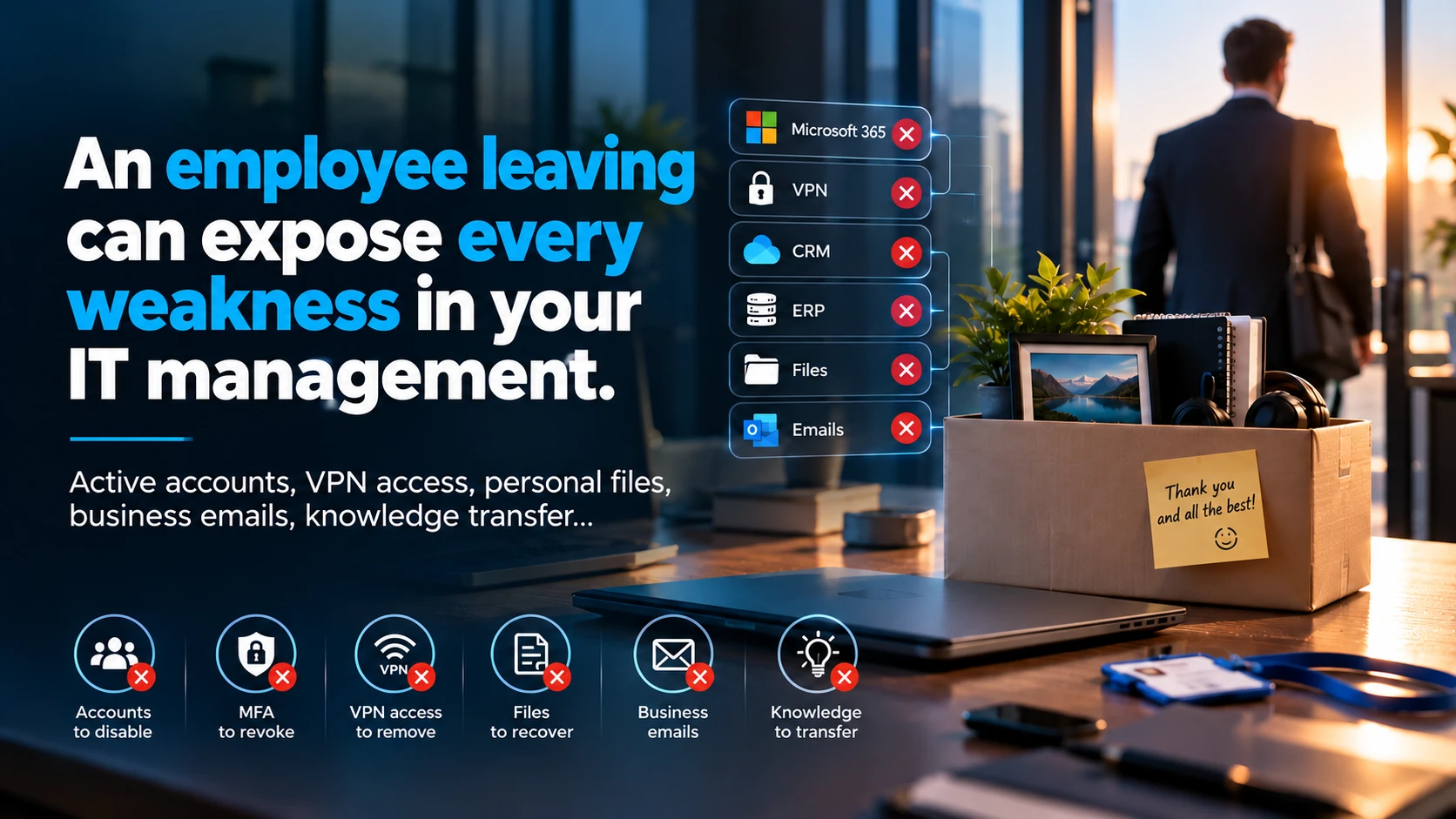
- accounts, administrator permissions and external access;
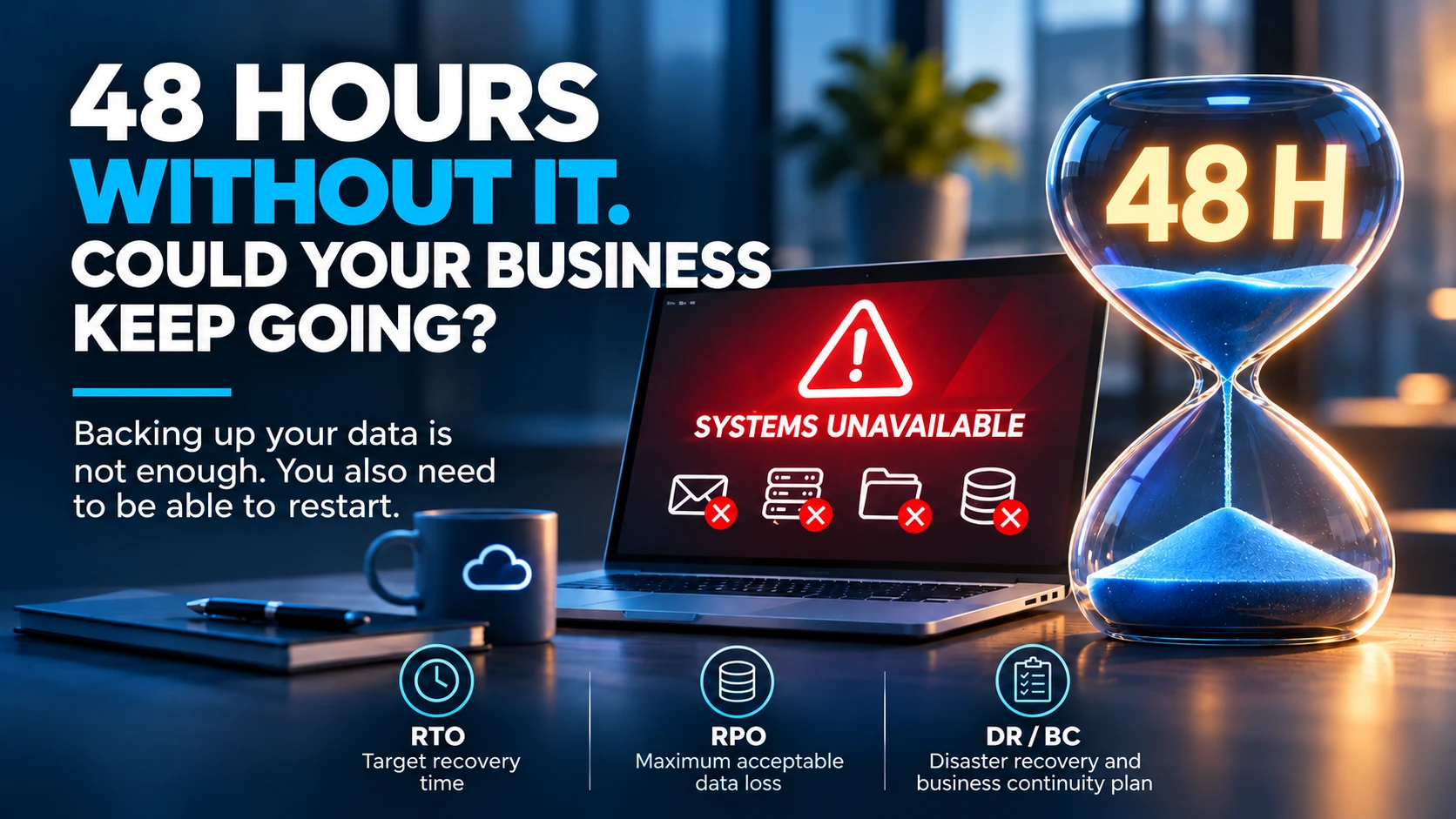
- backups and the actual ability to restore data;
- system and software updates;
- collaboration tools, such as Microsoft 365, and document organisation;
- contracts, licences and providers' commitments.
Define the question the audit needs to answer.
Start by formulating the question the audit needs to resolve. It determines what will be examined and who should be involved.
Describe the practical consequences for work: wasted time, a document that cannot be found, unclear access or dependence on an application. Avoid turning the first discussion into a shopping list of products: choosing a solution comes after understanding the situation.
The starting question might, for example, take one of these forms:
- Why do the same incidents keep recurring?
- Which tools need to change, and in what order?
- Which services must remain available, and are they protected accordingly?
Gather the documents that are available.
Bring together what already exists and flag what is missing. Unknown information must be recorded as unknown, never replaced with an assumption. Knowing who can find a document is often more useful than spending several days reconstructing an inventory alone.
Do not include passwords, authentication codes or recovery keys in this list. Access credentials should be shared separately, following a procedure agreed with authorised people.
For account protection, the guide Securing Microsoft 365: accounts, MFA and access explains which settings to record before the audit.
| Item to gather | Where to look | Who can provide it |
|---|---|---|
| List of essential applications and services | Discussions with teams, contracts and business tools | Business function lead and key users |
| Inventory of workstations, servers and network equipment | Inventory tool or provider documentation | IT manager or provider |
| List of administrator accounts and external access | Administration console and access register | Authorised administrator |
| Account protection: MFA and emergency accounts | Microsoft 365 or Entra ID console, security documentation | Authorised administrator |
| Contracts, licences and renewal dates | Supplier records and administrative tracking | Management, procurement or administration |
| Backup arrangements and the last known restore test | Documentation and monitoring reports | Backup owner or provider |
| Recurring incidents and difficulties experienced by teams | Support tickets and user feedback | Business representatives and support |
| Projects, scheduling constraints and planned changes | The company's roadmap and calendar | Management and department heads |
Involve the right people.
Include at least one decision-maker, one person who uses the tools in their daily work and the person who administers them. Management sets priorities but does not always see the difficulties people encounter day to day.
The current provider often has a role in preparation. According to the summary of the 2025 SME Cybersecurity study (in German), 63% of Swiss SMEs use one or more external IT providers. The Cybersecurity Check for SMEs points out that outsourcing does not transfer responsibility. Even if a provider 'takes care of everything', the business remains responsible, particularly for backing up and restoring data.
Finally, specify who approves the scope and who makes decisions. This avoids asking a user to settle a question beyond their responsibilities. Each person contributes part of the context:
- management: objectives, projects, budget and deadlines;
- key users: recurring difficulties and actual usage;
- the person responsible for the tools: configuration, accounts and documentation;
- the current provider, where their involvement is useful and authorised: contracts, previous work and known issues;
- administration or procurement: contracts, licences and renewal dates.
Describe essential services and their dependencies.
Link each tool to the activity it supports. Switzerland's OFCS recommends recording ICT infrastructure in an inventory that is as detailed as possible, to identify the elements that need protection and monitoring. Its baseline protection recommendations also emphasise backups and practising data restoration from time to time.
Ask three questions about each important service. Which application is needed to process an order? Where are the necessary documents? Which accounts or connections does the service depend on? If your files are spread across several spaces, Teams, SharePoint, OneDrive: what goes where? helps describe who is responsible for what.
Also note periods when an intervention would be difficult: production, public opening hours or the financial close. These need to be known before any work is scheduled.
Agree authorised access and activities.
Agree in writing what the audit may do and what it will not do. Preparing documentation does not authorise account changes, intrusive testing or data transfers.
An IT audit is not a penetration test. The Cybersecurity Check describes the latter as a simulation of real attacks, conducted in a controlled and traceable way to identify vulnerabilities. This type of test requires its own authorisation and rules; it should not be improvised during an audit. For account and usage protection, cybersecurity expertise can complement the agreed scope.
The scoping document can fit on one page and specify:
- the systems, sites and applications included, and those excluded;
- the people authorised to grant access and approve decisions;
- the nature of the work: interviews and observation, or specific technical checks;
- the channel for sharing access credentials, without sending passwords by email;
- the time windows when work can take place;
- revocation of temporary access at the end of the engagement.
Check what you will receive after the audit.
Before starting, ask how the results will be delivered. An established finding, an assumption to verify and a proposed action must remain distinct. A roadmap then connects each action to an objective, an owner and its dependencies; IT governance helps balance those choices over time.
For Sunitech's IT audit, the first discussion focuses on your business, difficulties and projects. The services to examine and people to involve are specified before observations begin, and both deliverables and timing are agreed during scoping. An intrusive test or an in-depth analysis requires a separate agreement, and this first discussion does not commit you to carrying out the recommended projects.
After the findings are presented, three decisions remain yours: which actions to start first, who owns each one and what can wait. Also set a follow-up date to check progress and review priorities if the business changes. Matters flagged as assumptions need verification before any spending.
Four questions to ask before starting:
- How will findings be prioritised?
- Will points that need further analysis be clearly identified as such?
- Who will present the results, and to whom?
- In what format will you receive the roadmap?
Use a public tool to assess your starting point.
Two free public resources can help you arrive at the meeting with an initial overview. They do not replace an audit, but they help you frame the starting question.
The Cybersecurity Check for SMEs from the Alliance Sécurité Digitale Suisse, revised in late 2025 with several partners including the OFCS, offers a self-assessment that takes a few minutes. It covers organisation and processes, employee awareness, technical measures, data protection, external providers and penetration testing. For example, it asks whether you have fully identified and documented all IT resources and the critical processes they support.
The cybersecurity guide for SMEs from Trust Valley and the National Cyber Security Centre, now the OFCS, contains eight modules. One covers contracts, SLAs and audits; another brings together resources for measuring a business's cyber maturity.
An example of preparing as a team.
Illustrative scenario: an SME is experiencing access problems with shared folders and expects several new employees to join. Before the meeting, management describes the project, a user gathers the recurring difficulties, and the IT lead retrieves documentation for the accounts and spaces.
The team's starting question fits into one sentence: 'Will new employees have access to the right folders from their first day, and only those folders?' Its list of unknowns has three lines: the date of the last restore test, an up-to-date list of administrator accounts and the provider's permissions on shared spaces.
The team then agrees the scope: shared document spaces and accounts for the departments concerned, excluding accounting. It is seeking a common picture and priorities, without starting by moving folders or changing permissions.
Download the checklist and prepare for the first discussion.
Download the Sunitech IT audit checklist in Excel format (in French) to prepare for and track your audit. The workbook contains four tabs: dashboard, documents to gather, IT checks and action plan. You can also view the checklist's PDF preview (in French) before completing it. Do not enter passwords or access secrets in these documents.
Keep one column for unknowns and another for the person to contact. With this working version, you can request an initial discussion, then define a scope and timetable suited to your business.