

PowerEdge servers
Select the server format and resources around application workloads, growth and the technical environment in which the equipment will run.
Dell Technologies
Dell PowerEdge servers for SMEs in French-speaking Switzerland: sizing, iDRAC administration, migration and infrastructure support with Sunitech.
Suitable tools. Local support. A team close to you.
Geneva
Lausanne
Fribourg
Neuchâtel
Valais

Business software, shared files and virtual machines place different demands on a Dell PowerEdge server. We begin with your users, applications and current volumes. For an SME in French-speaking Switzerland, the project also considers the equipment room and the time available for maintenance. The selected configuration should explain the resources needed today, the allowance for growth and the recovery method if hardware fails.
Select the server format and resources around application workloads, growth and the technical environment in which the equipment will run.
Prepare remote management access, authorised accounts and the capabilities available on the actual server generation and licence.
Organise inventory and monitoring of supported Dell equipment through an administration console appropriate to the size of your infrastructure.
Size disks and their arrangement for useful capacity, application performance, protection requirements and expected growth.
Check PowerEdge hardware compatibility with the hypervisor, backup tools and business applications you intend to host.
Document equipment references, firmware versions and support conditions before planning updates, component replacement or technical assistance.
From initial scoping to ongoing support, the agreed work and each party’s responsibilities are defined with you before implementation.
Installation, configuration and support.
Protection of data and access.
Monitoring, updates and optimisation.
Backup strategy and disaster recovery planning.
Tenant management, backups and administration.
A local, responsive and available team.
We start with your teams’ needs, business applications and organisational constraints.

Share client files between colleagues, with appropriate access and documents that are easy to find.
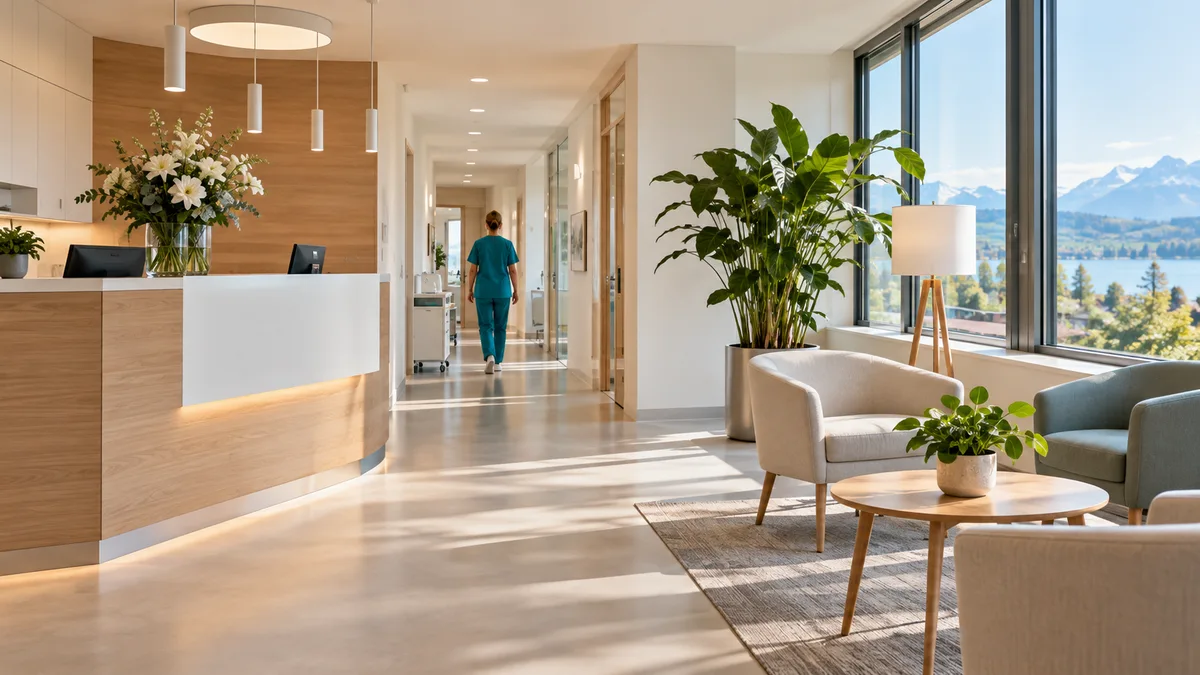
Protect patient records and maintain the tools needed for consultations.

Find plans and files on site while keeping control of access for everyone involved.

Organise access for employees, elected representatives and volunteers, and make handovers easier when teams change.
Tools alone are not enough. Ongoing management, access and documentation need to remain clear over time.
Roles, permissions and protections suited to the agreed scope.
Identified dependencies, with backup and recovery arrangements to prepare.
Documented joiners, leavers and changes in responsibility.
Accessible configuration, licence and upcoming renewal records.
Uses, limitations and frequently asked questions: the points to clarify when preparing your project.
We review actual memory use, processing peaks and storage traffic. A processor count or a list of disks cannot predict how your business application will behave. Power, cooling, noise and network connections also influence the choice. An IT audit documents these dependencies before you add a server or replace hardware that supports several services. Growth assumptions should be explicit and checked against the selected model.
iDRAC provides server management independently of the operating system. OpenManage supports administration and monitoring of compatible Dell equipment. We identify the server generation and the available licensing before defining access. Management interfaces should be reachable by authorised people through a controlled route. Your operating documentation records accounts, useful alerts and the steps for reaching the console during an incident.
A move to new hardware is prepared application by application. Before the change, we agree on backups, the maintenance window and the conditions for returning to the previous environment. Acceptance checks include opening applications, accessing files and testing exchanges between services. The people who use those services take part. Our cloud and infrastructure support places the local server within your wider IT environment.
After installation, monitoring covers hardware alerts, available capacity and applicable updates. Warranty conditions and contractual response times need checking for the actual equipment. They do not alone determine business continuity. Maintenance procedures distinguish replacing a component, restoring data and bringing applications back into service. The technical record retains hardware references, firmware versions and the people responsible for each operation.
Will a faster server prevent interruptions? Availability also depends on storage, networking, electricity and recovery arrangements. These must be designed together.
Can we keep an existing server? We assess its condition, software compatibility and support. A targeted upgrade may be appropriate when resources and hardware options allow it, with a verified backup before work starts.
Dell explains the tools in its PowerEdge server management guide. Its official iDRAC overview describes management capabilities. Confirm features for your server generation and licence.
Review of your needs, comparison of options and clearly explained priorities.
Preparation, configuration, testing and coordination with the relevant providers.
Agreed support scope, documentation, licences and next steps.
A project? A question?
An initial conversation to understand your situation and decide on the next steps together.
Contact us