 Microsoft 365
A complete guide to detecting a Microsoft 365 compromise, identifying hidden attacks and protecting your SME.
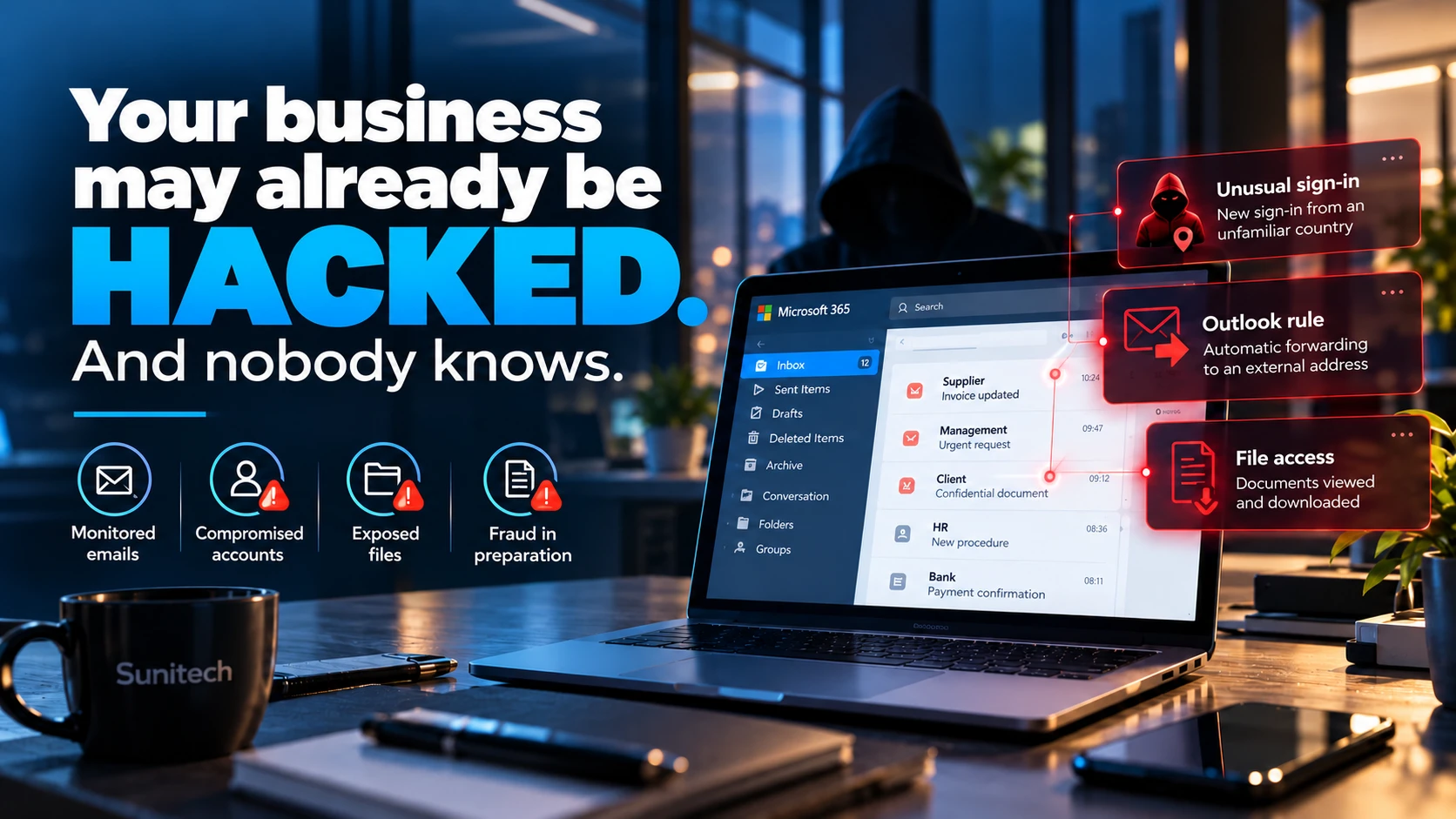
Your email works. Your employees are working. Your servers are responding normally. No antivirus software is reporting an incident. Everything seems under control. Yet a cybercriminal could already have access to a business mailbox, be reading confidential conversations or be monitoring your commercial transactions. No ransom demand. No encrypted files. No dramatic interruption.
Just unauthorised access that goes unnoticed.
Contrary to the traditional image of a cyberattack, some attacks are specifically designed to avoid disrupting business operations. The aim is not necessarily to shut down your IT systems. It can be far more profitable for an attacker to remain discreet, observe your habits and exploit the information they can access. A compromised mailbox can therefore pave the way for payment fraud, impersonation, the disclosure of confidential data or a subsequent attack.
For Swiss SMEs using Microsoft 365, this raises an essential question:
How can you tell whether your IT environment is actually secure, rather than simply working?
In this guide, we examine the most common account compromise techniques, the signs that deserve your attention, the checks to carry out in Microsoft 365 and practical measures to reduce the risks. We also look at the implications for businesses in Geneva, Vaud and French-speaking Switzerland, particularly in relation to data protection and business continuity.
A cyberattack can remain invisible while your business operates normally
Not every cyberattack causes an outage
When people think of a cyberattack, the first images that come to mind are often locked computers, unavailable servers or files made unreadable by ransomware. These incidents do happen and can have serious consequences. But they account for only part of the threat landscape. Other attacks rely on compromised digital identities. The cybercriminal is not necessarily trying to exploit a complex server vulnerability.
Instead, they may try to sign in with legitimate credentials, hijack an existing session or obtain permissions in a service used every day. Once signed in, they can perform certain operations through the same interfaces as an authorised user. This is what makes detection difficult. Systems keep working. Employees continue their work. And malicious actions can blend in with entirely legitimate events.
Availability and security are different things
An available application is not automatically secure. Cybersecurity traditionally distinguishes three fundamental objectives:
Confidentiality: preventing unauthorised people from accessing information.
Integrity: protecting data against unauthorised changes.
Availability: ensuring access to systems and information when needed.
A business can maintain excellent availability while suffering a serious breach of confidentiality. For example, a mailbox can continue to work perfectly while someone else reads some of its messages. Likewise, a storage application can remain accessible while a compromised account downloads confidential documents.
This is why traditional IT performance indicators, such as server availability or the number of support tickets, are not enough to measure a company's level of cybersecurity.
The absence of an outage does not prove the absence of an intrusion.

How can a Microsoft 365 account be hacked?
Microsoft 365 is widely used for email, document sharing, collaboration and access to business applications. In an SME, a single account can provide access to a substantial amount of information. This centralisation brings many benefits, but it also makes identity security particularly important.
Phishing: an entry point that still works
Phishing involves persuading someone to disclose sensitive information or take a dangerous action. An attempt might take the form of an email announcing:
- A SharePoint document to review.
- A voicemail notification.
- An invoice to download.
- A password that is about to expire.
- A request to verify a Microsoft 365 account.
- A Teams invitation or an electronic signature request.
The user is redirected to a fraudulent page that imitates a legitimate service. If they enter their credentials, the attacker may capture them. When the account is insufficiently protected, this information may enable an unauthorised sign-in.
Phishing that intercepts sessions
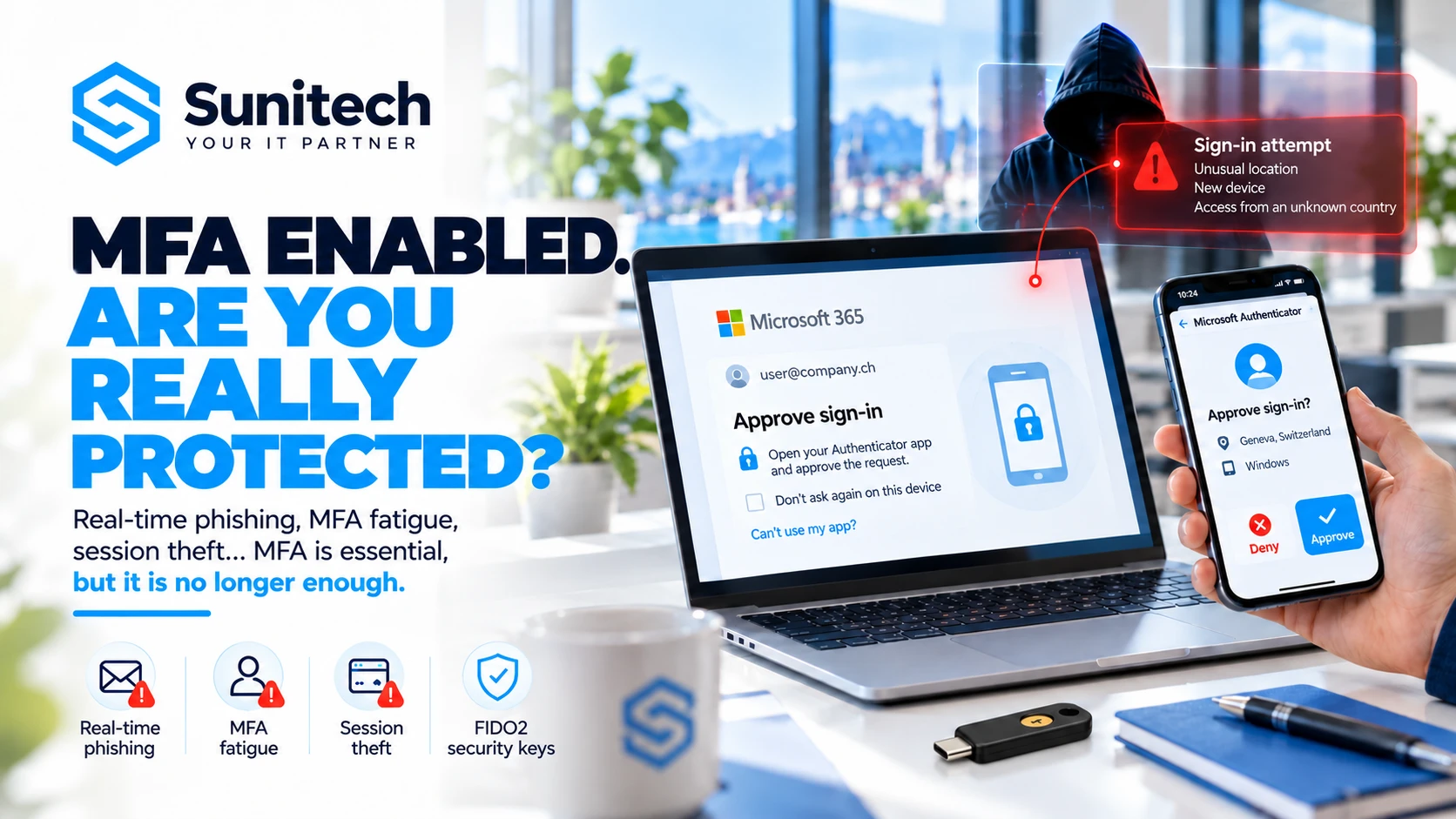
Modern attacks do not rely solely on stealing passwords. Some campaigns use phishing techniques known as Adversary-in-the-Middle (AiTM). In this scenario, a malicious website may act as an intermediary during authentication and attempt to intercept session information. A user may complete a legitimate multifactor authentication process while exposing information that, under certain conditions, allows the attacker to reuse their session. This does not mean that MFA is useless.
On the contrary, it remains one of the essential safeguards against account compromise. However, not all multifactor authentication methods offer the same resistance to phishing.
Properly deployed FIDO2 security keys and passkeys provide better protection against certain real-time phishing attacks. Microsoft explains their phishing resistance and the AiTM techniques it has observed.
Reused passwords and stolen credentials
An employee may use the same password for several services. If one of those services suffers a data breach, the stolen credentials may be tested on other platforms. This technique is known as credential stuffing. Attackers can also obtain credentials using malware designed to steal information. It is therefore essential to combine unique passwords with strong authentication and appropriate monitoring.
Third-party applications and OAuth permissions
Another method involves persuading a user to authorise an application to access certain Microsoft 365 resources. The application may request permissions relating to email, files or the user's profile. In some scenarios, the attacker is more interested in obtaining application consent than in directly stealing a password.
Application permissions and administrator consent must therefore form part of security checks. Changing a password does not, by itself, revoke malicious OAuth consent: illicit permissions must be investigated and revoked.
A practical scenario: how a compromise can lead to payment fraud
Consider the fictional example of an SME in Geneva with 25 employees. It uses Microsoft 365 for communications, SharePoint for documents and a business application for invoicing.
Monday: an apparently ordinary email
An employee in the administration team receives a message saying that a supplier has shared a document with her. She clicks the link and tries to sign in. The page looks like Microsoft 365. Without knowing it, she is interacting with a phishing infrastructure.
Tuesday: discreet access
The attacker gains usable access to the email account. They discover conversations with customers and suppliers. They identify the people responsible for accounting and payment tracking. They also try to understand how the company approves invoices.
Wednesday: targeted monitoring
A suspicious email rule is added, or conversations are read directly. The attacker follows discussions about invoices and orders. They identify a large payment due to be made soon.
Thursday: a fraudulent instruction
A request to change bank details is sent within an existing business conversation. The message is convincing. It uses familiar wording. It contains information consistent with the transaction. The recipient notices nothing obviously wrong.
Friday: the fraud is discovered
The real supplier contacts the company. They have not received the expected payment. The company then discovers that the payment was made to a different account from the one intended. The security investigation reveals suspicious activity in the email system.
Yet the IT system was never interrupted.
This illustrates the challenge of email compromises used for commercial fraud, also known as Business Email Compromise (BEC). The scenario is fictional. It illustrates a possible chain of attack, rather than an incident attributed to a Sunitech customer.
- 01Phishing
- 02Session theft
- 03Mailbox access
- 04Malicious rule
- 05Payment fraud
Illustrative sequence. Actual attacks may follow a different path.
Malicious Outlook rules: how cybercriminals can hide their activity
Inbox rules automate email processing in Outlook and Exchange Online. They are normally used to organise messages, sort them or perform particular actions. However, after a compromise, they can be used to divert or conceal information.
Automatic forwarding rules
A rule can forward messages to an external address. When configured without authorisation, it may disclose business information. Whether messages can actually be forwarded depends on the organisation's Exchange Online policies and security settings. Microsoft recommends controlling automatic external forwarding, which presents a known disclosure risk.
Rules that move or delete messages
An attacker may also create a rule that moves certain messages to folders that are rarely checked. In some cases, this can prevent the user from noticing notifications, warnings or sensitive conversations. For example, a rule may target particular senders or message subjects.
How can you detect a suspicious Outlook rule?
An investigation should look in particular for:
- Recently created or modified rules.
- External forwarding destinations.
- Rules with unusual filtering criteria.
- Messages automatically moved to less visible folders.
- Unexplained deletion rules.
- Changes to delegation or forwarding at mailbox level.
In Exchange Online, administrators can inspect inbox rules using administration tools and PowerShell. Related activity can also be searched for in the available audit logs. However, not every automatic rule should be considered malicious. Some are entirely legitimate. The analysis must consider the account owner, its history, the destination of messages and the context in which the rule was created.
An unknown forwarding rule can be a serious indicator. On its own, it is not definitive proof of a compromise.
The main signs of a compromised Microsoft 365 account
A silent attack does not necessarily produce an alert that the user can see. However, several categories of events should attract an administrator's attention.
Unusual sign-ins
A sign-in from an unexpected country, an unusual IP address or an unknown device may warrant investigation. However, travel, VPNs, intermediary services and geolocation errors must be taken into account. Location alone is not enough to conclude that an account has been hacked.
Abnormal email activity
For example:
- Emails sent without the user's involvement.
- Missing or moved messages.
- Unknown inbox rules.
- Unexpected external forwarding.
- Modified signatures.
- Unjustified delegation permissions.
Authentication changes
The addition of an unknown MFA method, unexpected changes to recovery information or unexplained password changes should be investigated.
Suspicious application permissions
An unknown application with extensive access to email or files may pose a risk.
Abnormal downloads or sharing
Unusual volumes of OneDrive or SharePoint downloads, newly created external sharing links or access to sensitive documents may help identify unauthorised activity.
Administrative changes
The addition of an administrator, a change to a security policy or an unexpected grant of new privileges should be checked.
Ignored alerts
Finally, a company may have tools generating alerts without anyone actually being responsible for handling them. This last point is organisational, but its consequences can be just as significant as those of a poor technical configuration.
How can you check whether a Microsoft 365 account is compromised?
A professional investigation must combine several sources of information. Reviewing a single list of sign-ins is not enough.
Microsoft Entra ID: analyse sign-ins
Microsoft Entra ID, formerly Azure Active Directory, manages identities and authentication in many Microsoft 365 environments. Sign-in logs can be used to examine:
- The account involved.
- The date and time of events.
- The IP addresses observed.
- The applications used.
- The outcome of sign-in attempts.
- Authentication methods.
- Certain information about devices and access policies.
The data must be interpreted in context. A successful sign-in does not automatically prove that it was legitimate. Conversely, a failed attempt does not necessarily mean that a compromise has occurred.
Exchange Online: examine email activity
Investigations may cover inbox rules, redirection, delegation and certain email operations. In particular, external forwarding rules, configuration changes and suspicious activity identified in logs should be checked.
Microsoft Purview: review audit logs
Depending on the licences and available events, Microsoft Purview can be used to search for activity across different Microsoft 365 services. This can help establish a timeline of events and verify certain changes. However, take care not to confuse the retention periods of different logs. Microsoft Entra ID sign-in logs and Microsoft Purview audit logs do not necessarily follow the same retention periods.
Microsoft Defender: correlate alerts
Depending on licences and enabled features, Microsoft Defender can provide additional information about suspicious events, accounts, devices and email activity. Some solutions can also correlate alerts from several services. This correlation matters. An unusual sign-in followed by a new Outlook rule and bulk file access is a more concerning sequence of events than a single isolated signal.
Examine connected applications
The analysis must also cover enterprise applications, OAuth consent grants, permissions and integrations using the account involved.
Reconstruct a timeline
A thorough investigation seeks to establish: When did the first suspicious activity occur? Which account was used? Which services did it access? What changes were made? Which data may have been viewed or transferred? Are other accounts affected? This timeline is essential to determine the true scope of the incident.
 Microsoft Entra ID
Sign-ins, devices and identities
Rules, forwarding and email activity
Audit records and investigations
Alerts, incidents and detections
How long does Microsoft 365 retain security logs?
This is a particularly important question when an intrusion is discovered late. Retention periods depend on the type of log, the licences and any export or retention configurations. As a guide, Microsoft documents the following periods:
| Log source | Indicative native retention |
|---|---|
| Microsoft Entra ID Free: sign-ins | 7 days |
| Microsoft Entra ID P1/P2: sign-ins | 30 days |
| Microsoft Purview Audit Standard | 180 days |
| Microsoft Purview Audit Premium | 1 year by default for covered Entra ID, Exchange, OneDrive and SharePoint events; other activities: 180 days by default. Required licences apply and extensions are available |
These periods are not interchangeable and do not guarantee that every type of event is available with every subscription. A company discovering suspicious activity today that dates back several months may therefore have an incomplete history. For some organisations, exporting logs to a storage system or SIEM platform may be justified to achieve retention suited to their risks. However, retention must remain proportionate, secure and compliant with applicable legal requirements.
Entra ID logs and the Microsoft 365 unified audit log remain distinct sources. A new licence cannot recover Entra logs that have already expired. Consult the Microsoft documentation on Entra ID retention and the Microsoft Purview Audit retention conditions to check the coverage of your environment.
Without enough history, it can sometimes be impossible to determine precisely what happened.
What should you do immediately if you suspect a Microsoft 365 account has been hacked?
A serious suspicion of compromise requires an organised response. The aim is to contain the incident while preserving the information needed to investigate it.
Step 1: contact the person responsible for IT security
Notify your IT team or service provider immediately. Avoid continuing sensitive conversations from the potentially compromised account. Use an independent channel for urgent communications.
Step 2: contain suspicious access
Depending on the level of risk, it may be necessary to temporarily block sign-in to the account, revoke active sessions and take additional measures on the applications involved.
These operations must be coordinated to avoid unnecessarily compromising the investigation, without delaying the containment of malicious access. For a confirmed compromise, Microsoft recommends disabling the affected account during the investigation, then addressing sessions and persistence mechanisms.
Step 3: secure authentication methods
Reset compromised authentication credentials, check registered MFA methods and remove suspicious entries. Also make sure that the user's device is not itself compromised.
Step 4: look for persistence mechanisms
In particular, examine:
- Outlook rules and forwarding.
- Mailbox delegation.
- OAuth permissions.
- Privilege changes.
- Authentication methods.
- Newly created accounts or applications.
Step 5: analyse data access
Examine the available logs to determine which services and documents may have been accessed. An account compromise may affect email, but also SharePoint files, OneDrive and other resources.
Step 6: look for a wider compromise
Check whether other users, administrators or systems show similar activity. A compromised account may have been used to distribute further fraudulent messages within the organisation.
Step 7: document the incident
Preserve relevant evidence: the timeline, logs, fraudulent messages, observed changes and actions taken. Traceability matters for technical investigations, legal obligations and any dealings with insurers or authorities.
Step 8: organise communication
Depending on the consequences, it may be necessary to inform employees, customers, suppliers or partners. If payment fraud is suspected, contact the bank without delay to explore options for blocking the payment or recovering funds.
Step 9: assess notification obligations
A compromise may also constitute a personal data security breach. This aspect must be assessed separately from the technical restoration of service.
Step 10: address the causes and verify the return to normal
An incident must not be considered closed simply because the password has been changed. You need to verify that malicious access has been removed, address the causes identified, strengthen controls and confirm that the environment is back under control.
Cyberattacks and data protection: what are the obligations for a Swiss SME?
Switzerland has a specific legal framework for personal data protection. The Federal Act on Data Protection (FADP) imposes certain obligations on data controllers. When a business account is compromised, it is necessary to determine whether personal data has been made accessible or disclosed to unauthorised people. A business mailbox may contain personal information about customers, employees, suppliers or other individuals.
Notification is not automatically required for every incident
Under Article 24 FADP, the controller must notify the Federal Data Protection and Information Commissioner (FDPIC) as soon as possible of a data security breach that is likely to result in a high risk to the personality or fundamental rights of the people concerned.
The nature of the affected information, the possible consequences and the level of risk must therefore be assessed. The FDPIC's breach notification guidance explains this framework. It may also be necessary to inform the people concerned, particularly to ensure their protection.
The risks are not only technical
An incident can have contractual, organisational and legal consequences. Depending on the company's activities, other sector-specific or international obligations may also apply, particularly where the EU GDPR is relevant.
Since 1 April 2025, operators of critical infrastructure subject to the Information Security Act must also report cyberattacks covered by the reporting obligation to the National Cyber Security Centre (NCSC) within 24 hours of detection. This obligation is separate from notification to the FDPIC and does not automatically apply to every SME. Complex situations should be reviewed with the appropriate specialists.
Preparation makes a significant difference
An organisation with a data inventory, incident procedures, sufficient logs and clearly assigned responsibilities will generally be better prepared to assess the scope of a breach. Conversely, a lack of traceability can make that assessment considerably more difficult.
Managing a cyberincident is not just about restoring technical security. It also means understanding the consequences for the information and the people concerned.
How can you effectively protect Microsoft 365 against compromise?
Prevention must rely on several layers of protection. No single measure can guarantee that a compromise will never occur.
Strengthen authentication
Multifactor authentication must be deployed consistently. For sensitive accounts, particularly administrators, phishing-resistant methods should be preferred where the technical conditions allow. Registered methods must also be checked regularly.
Apply the principle of least privilege
Each employee should have only the permissions necessary for their role. Administrator accounts must be limited, identified and given specific protection. Temporary access must be revocable when it is no longer needed.
Secure Exchange Online rules and forwarding
Automatic external forwarding should be blocked by default or strictly controlled according to the company's needs. It must be possible to detect and analyse suspicious rules and changes to email settings.
Control third-party applications
Application permissions must be governed. It is advisable to restrict risky consent grants, assess applications and periodically review the permissions granted.
Protect devices
Identity security must be combined with workstation security. A compromised computer can expose authentication information, sessions and sensitive documents. Properly configured endpoint protection, regular updates and appropriate device management are therefore important.
Secure SharePoint and OneDrive configurations
Sharing permissions must be consistent with business needs. External links, guest access and inherited permissions must be reviewed. Ease of collaboration must not lead to information becoming accessible when it should remain confidential.
Put effective monitoring in place
Logs and alerts must do more than simply exist. They must be used. This means defining detection rules, responsibilities, response times and escalation procedures.
Train employees
Useful training goes beyond telling people not to click suspicious links. It must also explain how to report a concern quickly, verify a financial instruction and recognise an unusual request. An employee who reports a mistake immediately can sometimes prevent a much more serious incident.
Test response capabilities regularly
A simulated compromise, a controlled phishing exercise or a test of an incident procedure can expose organisational weaknesses. The aim is not to catch employees out. It is to check that the business knows how to detect, report, contain and handle a suspicious situation.
Antivirus, EDR, XDR, SIEM, MDR and SOC: what is the difference?
These terms regularly appear in cybersecurity offerings. However, they address different needs.
| Solution | Main role |
|---|---|
| Antivirus / endpoint protection | Detect and block certain threats on devices |
| EDR | Detect, investigate and respond to suspicious activity on endpoints |
| XDR | Correlate security signals from several domains |
| SIEM | Centralise, analyse and use events and logs |
| MDR | Provide a managed detection and response service |
| SOC | An operational team or function for monitoring and handling incidents |
These solutions are not all interchangeable. An EDR installed on computers does not guarantee complete monitoring of a Microsoft 365 environment. A SIEM without relevant rules or people responsible for operating it does not automatically deliver effective detection. A SOC may have powerful tools, but its value also depends on its scope, processes and service commitments.
What does an SME with 10 to 50 employees actually need?
It depends on the risks. A company that handles sensitive information, carries out many financial transactions or depends heavily on digital services will have different needs from a business whose activities are less exposed. A sensible approach starts with an assessment: Which systems are critical? Which data must be protected? What detection mechanisms are already in place? Who handles the alerts? What interruption or loss of information would be acceptable?
What internal resources are available? Only after this analysis does it become appropriate to choose additional tools and services.
Good cybersecurity is not about accumulating the most products. It is about effectively covering the company's priority risks.
Why a Microsoft 365 audit can uncover hidden weaknesses
A company may have used Microsoft 365 for several years without an in-depth review of its configuration. Over time, users change, applications multiply, permissions evolve and some exceptions become permanent. A security audit provides a clear picture of the current situation.
Identities and permissions
The audit can examine MFA methods, administrator accounts, guest accounts, sensitive permissions and access policies. In particular, it can identify excessive permissions or authentication methods that are not sufficiently robust.
Exchange Online configuration
Transport rules, external forwarding, email protection settings and delegation can be analysed. The aim is to check that configurations are consistent and look for abnormal situations.
Collaboration and document sharing
SharePoint and OneDrive policies are examined to determine whether internal and external access corresponds to the organisation's needs.
Connected applications
The audit provides an opportunity to review application permissions and administrator consent grants.
Logs and alerts
An essential point is to check whether important events are actually recorded, accessible and handled.
Response procedures
Finally, a thorough audit must also examine the company's ability to manage an incident. Who receives the alerts? Who can block an account? Who coordinates the investigation? How is access restored? How are decisions documented? An audit should not simply produce an endless list of technical settings. It should deliver an understandable view of the risks, a prioritised action plan and recommendations suited to the company's activities.
Checklist: 20 checks to assess Microsoft 365 security
This list is a starting point for a security review. It does not replace an investigation or a full audit.
Identities and authentication
Email and Exchange Online
Data and collaboration
Monitoring and incident response
If several points remain unanswered, a security review can help identify priorities and avoid poorly targeted investments.
What are the cybersecurity priorities for a Swiss SME?
A good security strategy must reflect the realities of the business. A company with 12 employees generally does not have the same resources as an organisation with 250 people. This does not mean that it should give up on serious protection. It means setting priorities.
Immediate priority: reduce the most obvious risks
In particular, secure administrator accounts, strengthen authentication, correct dangerous configurations, remove unnecessary access and make sure backups are verified. External forwarding and sensitive permissions also deserve particular attention.
Short-term priority: establish visibility
The next step is to check the available logs, alerts and how they are handled. A company should be able to explain how it would detect an email compromise and who would be responsible for responding.
Medium-term priority: improve governance
Employee onboarding and offboarding procedures, documentation, periodic checks, continuity plans and incident exercises help strengthen security over time.
An approach suited to businesses in Geneva, Vaud and French-speaking Switzerland
Swiss SMEs often use a combination of cloud services, business applications, on-premises infrastructure and solutions hosted by different providers. Cybersecurity must take this whole environment into account. An audit limited to antivirus software or Microsoft 365 could overlook essential dependencies, such as VPN access, servers, industry-specific applications or backups. Security must therefore be considered across infrastructure, identities, data and business operations.
FAQ: Microsoft 365 account compromise and cybersecurity for SMEs
How can I tell if my Microsoft 365 account has been hacked?
Unusual sign-ins, unknown Outlook rules, emails sent without your involvement or unexplained authentication changes may be indicators. A review of logs and account settings is needed to confirm a compromise.
Can a Microsoft 365 account be hacked despite MFA?
Yes, some attacks can hijack sessions or deceive the user during authentication. MFA remains essential, but phishing-resistant methods and additional controls strengthen protection.
How can I detect a malicious Outlook rule?
You need to examine inbox rules, forwarding to external addresses and the corresponding change events. The analysis must take the user's activity into account.
Can antivirus software detect a compromised mailbox?
Not always. A cloud account compromise may not involve malware on the workstation. Identity security and monitoring of Microsoft 365 activity therefore complement endpoint protection.
What should I do if someone accesses my Outlook mailbox?
Notify your IT manager or service provider immediately. Depending on the situation, you will need to contain access, revoke sessions, secure authentication, look for malicious changes and analyse the activity that took place.
Can my mailbox be monitored without my knowledge?
Yes, unauthorised access or a fraudulent forwarding configuration can allow messages to be read without a visible service interruption. Security policies and available logs help identify these situations.
Is Microsoft 365 secure by default?
Microsoft provides many safeguards, but their availability and operation depend in particular on licences, configurations and organisational policies. A security review checks whether they are actually being applied.
Is Microsoft 365 Business Premium enough to protect an SME?
It provides a useful foundation for many SMEs, thanks in particular to several identity, device management and security features. However, licences do not replace appropriate configuration, monitoring or incident response procedures.
How much does a Microsoft 365 security audit cost in Switzerland?
The cost depends in particular on the number of accounts, licences, the complexity of the environment and the level of investigation required. A configuration audit is not the same as a forensic investigation after an intrusion. The scope must be defined before the service can be priced.
Do you need a SOC to monitor Microsoft 365?
Not necessarily. Several levels of monitoring are possible, from properly configured and monitored alerts to outsourced MDR or SOC services. The choice depends on the risks, budget and expected commitments.
Must every cyberattack be reported in Switzerland?
No. The FADP requires notification to the FDPIC when a data security breach is likely to present a high risk to the personality or fundamental rights of the people concerned. Other obligations may apply depending on the sector and circumstances.
How long does it take to detect a compromise?
There is no universal time frame. It depends on the nature of the attack, observable events, enabled tools and how monitoring is organised. What matters is defining realistic detection and response objectives suited to critical incidents.
How Sunitech helps SMEs secure their IT
IT security should go beyond installing antivirus software or enabling a few Microsoft 365 options. To protect a company effectively, you need to understand its environment, how it works, its dependencies and the associated risks. At Sunitech, we help SMEs in Geneva, the canton of Vaud and French-speaking Switzerland manage, secure and develop their IT systems.
Our approach combines system and network administration skills, expertise in Microsoft 365 environments and a comprehensive view of business continuity. Depending on the needs identified, this support may include:
Microsoft 365 security audits
Reviewing identities, access, email configurations, sharing permissions and protection mechanisms in your Microsoft 365 environment.
Configuration hardening
Implementing appropriate measures for authentication, privileges, security policies and remote access.
Monitoring and risk management
Identifying what needs to be monitored, organising alert handling and progressively improving visibility.
Protecting devices and infrastructure
Securing computers, servers, networks and access while taking on-premises, cloud and hybrid environments into account, as part of our cybersecurity support.
Backup and business continuity
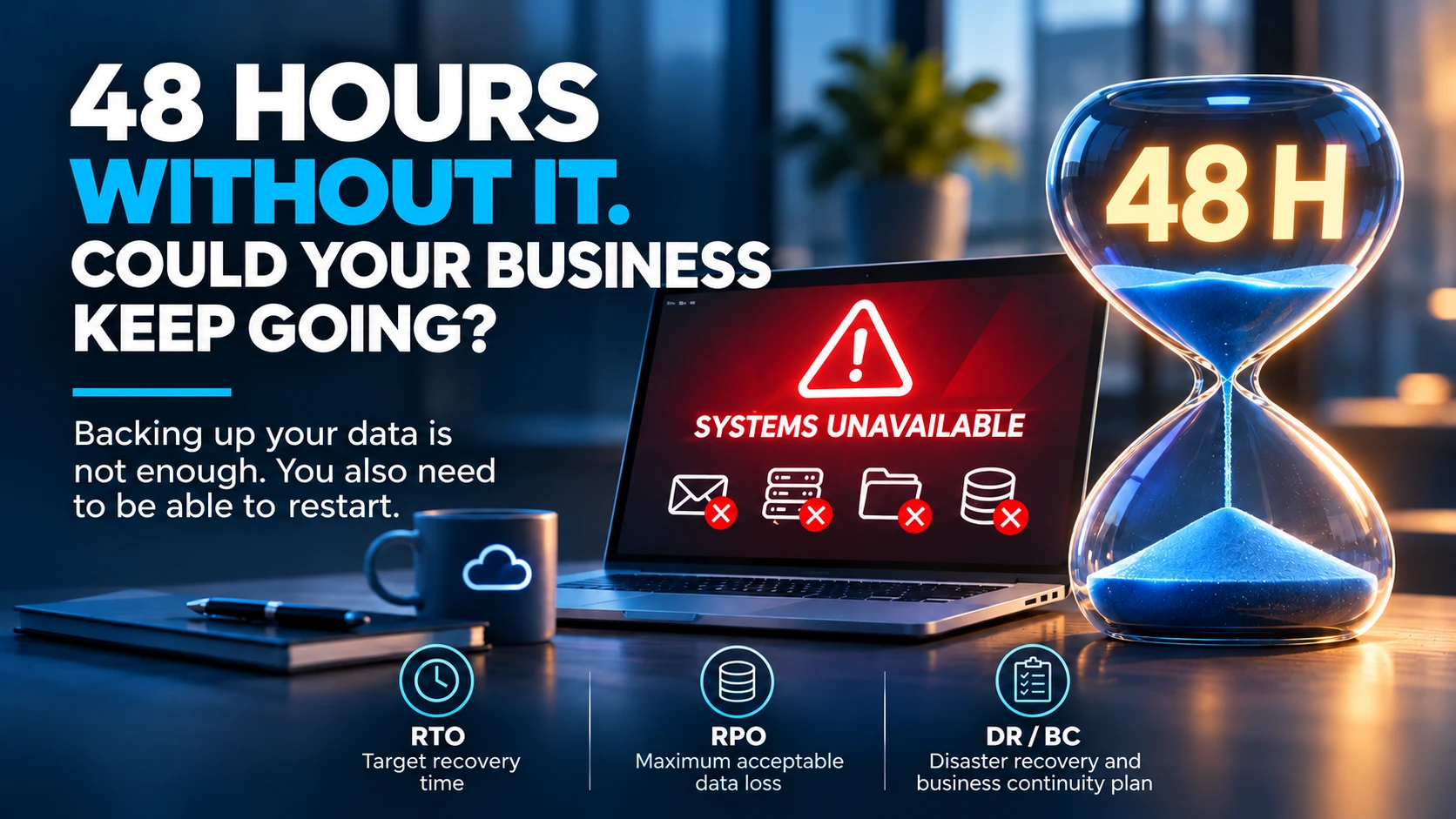
Analysing recovery needs, protecting data and preparing for incidents that could disrupt operations.
IT support and advice
Prioritising investments, documentation and governance, and defining a security strategy consistent with the company's resources. Our aim is not to multiply products or make infrastructure unnecessarily complicated. It is to help business leaders understand their exposure, manage their risks and have reliable IT.
Would you like to check the security of your Microsoft 365 environment?
Does your company use Microsoft 365 without knowing precisely which events are monitored, whether configurations are appropriate or how a compromise would be detected? A targeted assessment of your environment can identify the main risks and define the priority actions.
Let's talk about your IT security.
Conclusion: is your business actually protected, or simply operational?
Working email is not proof of security. Silent antivirus software is not a guarantee that no intrusion has occurred. An account protected by MFA is not automatically invulnerable. And a collection of cybersecurity licences does not replace an organisation capable of detecting and handling incidents. Businesses now need to move beyond a purely technical approach to protection. They need visibility into identities, access, sensitive activity and potential threats.
This requires appropriate tools, but also skills, procedures and clearly assigned responsibilities.
The question is not only whether your business could be attacked. It is whether it would be able to recognise an attack in progress.
A business can continue to operate normally and still be compromised. And the time it takes to discover that can make all the difference.