Professional WiFi
Design wireless coverage for your staff, visitors and working areas, with access point placement and on-site checks.
Ubiquiti
Sunitech supports SMEs in Geneva, Lausanne, Vaud and French-speaking Switzerland with Ubiquiti and UniFi Wi-Fi, switching, security and site connectivity. A practical approach, local teams and support suited to your needs.
UniFi networks. A local approach. A team close to you.
Geneva
Lausanne
Fribourg
Neuchâtel
Valais
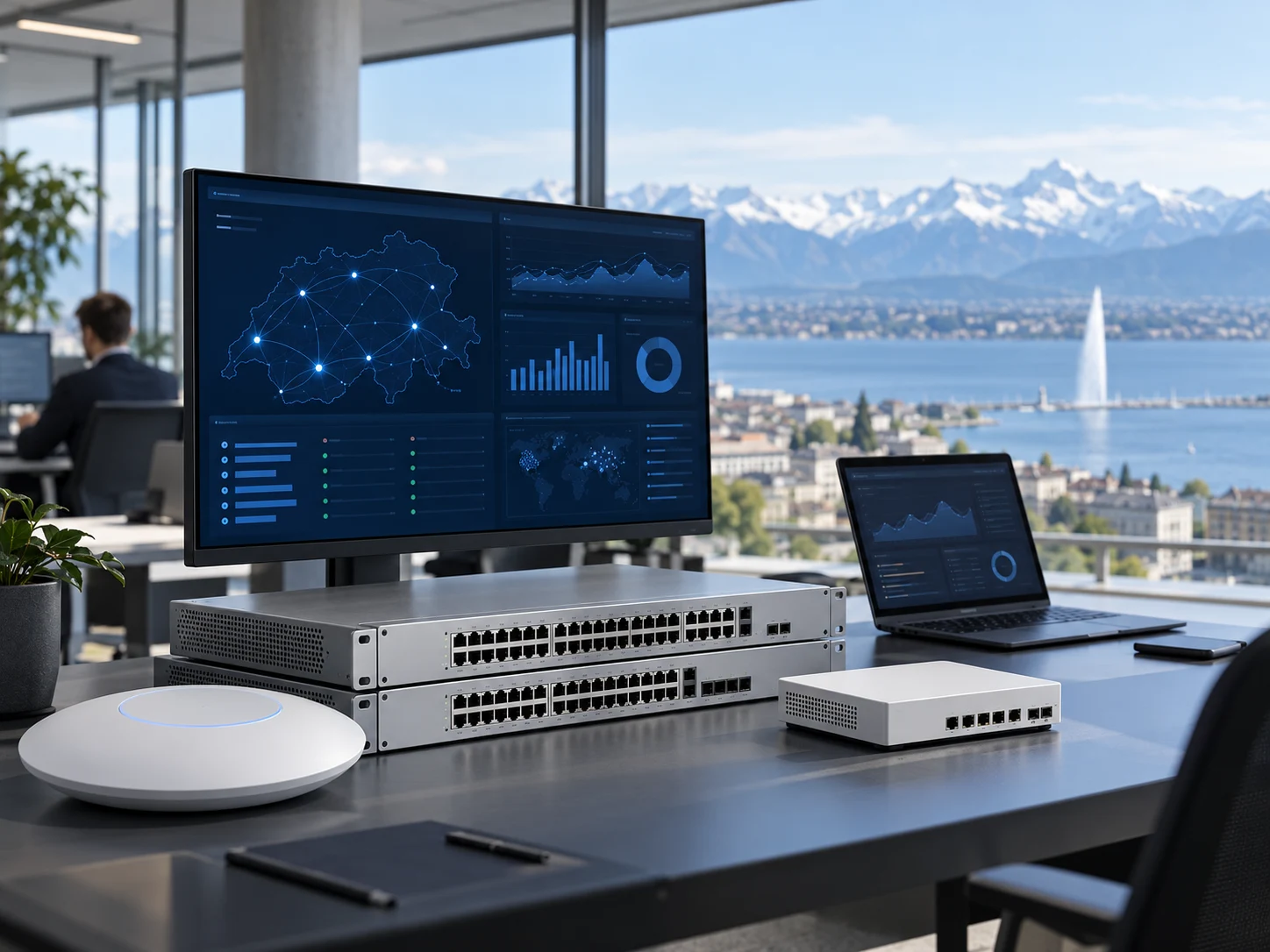
Ubiquiti and UniFi bring together networking products for different requirements: wireless access, switching, gateways and central administration. Some environments also use UniFi Protect for cameras. Sunitech helps SMEs in Geneva, Vaud and French-speaking Switzerland connect these choices to their premises, devices and support arrangements. The project defines the equipment in scope, the administration owner and the checks required before a network becomes operational.
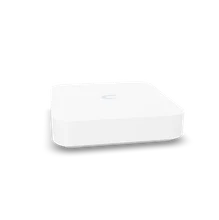
Design wireless coverage for your staff, visitors and working areas, with access point placement and on-site checks.
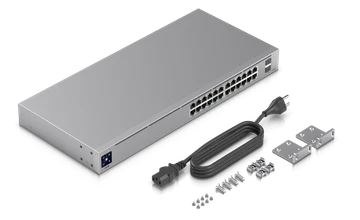
Connect workstations and network equipment through switches sized for port counts, uplinks and appropriate PoE requirements.
Prepare network rules, authorised access and security functions around the chosen UniFi gateway and software.
Organise networks, site links and supported secure connections so that business applications can reach their required services.
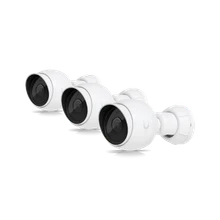
Assess camera coverage, a compatible console and recording storage, with authorised viewing and clearly defined responsibilities.
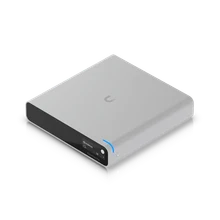
Arrange equipment administration through a suitable UniFi console, with account ownership, updates and configuration recovery documented.
From initial scoping to ongoing support, the agreed work and each party’s responsibilities are defined with you before implementation.
Identify sites, equipment, traffic and dependencies before defining priorities.
Prepare changes, test configurations and organise commissioning.
Assess usage, coverage areas and mobility needs. The required measurements are agreed during scoping.
Separate uses, restrict traffic and define access rules with the people responsible.
Agree monitoring checks, updates and incident-handling arrangements.
Document the network and plan its next developments with your teams.
We start with your teams’ needs, business applications and organisational constraints.

Share client files between colleagues, with appropriate access and documents that are easy to find.

Keep tills and connections working, including across multiple shops.

Protect patient records and maintain the tools needed for consultations.

Connect the office and the workshop, secure equipment and prepare for recovery after an incident.
Tools alone are not enough. Ongoing management, access and documentation need to remain clear over time.
Defined areas and needs, with coverage to be checked on site.
Traffic rules and separate access according to usage.
Inventoried equipment and checks suited to the required service.
Updates and changes prepared with the people involved.
Useful documentation for planning replacements and new requirements.
Uses, limitations and frequently asked questions: the points to clarify when preparing your project.
Plans, walls and working practices provide an initial basis for WiFi design. We also check available sockets, links between floors and power for access points. Staff numbers alone do not determine how many access points are needed: dense meeting spaces and mobile devices also matter. On-site checks focus on useful areas and sensitive applications, including calls and collaboration tools.
UniFi offers separation mechanisms at gateway, switch and access point levels. We define device groups and necessary exchanges before selecting settings. Guest access should enable its intended use without opening internal resources by default. Printers, cameras and technical devices belong in the same plan. Cybersecurity becomes a set of rules checked against the actual paths followed by your traffic.
Video surveillance requires suitable cameras, a compatible console, appropriate connections and recording capacity. We define coverage areas, who may view recordings and the intended retention period. Your organisation validates information for people being filmed and applicable obligations. A playback and export demonstration helps confirm that the installation fits the agreed use before acceptance. Network design and legal responsibilities should both remain explicit.
UniFi management options depend on the consoles and applications selected. We identify account ownership, administrators and recovery methods. Documentation brings together adopted devices, networks and available configuration backups. Updates are planned around their possible effect on connections. IT support can then provide an agreed entry point for WiFi incidents and equipment changes, with ongoing responsibilities and access clearly recorded.
Must every switch be replaced to install UniFi access points? Not necessarily. We assess cabling, VLANs and PoE power in the existing installation before deciding.
Can one console manage networking and cameras? It depends on the model and supported applications. Device counts and storage needs also affect the choice, which must be confirmed for the selected references.
Consult the UniFi setup guide, network isolation guidance and getting started with UniFi Protect to confirm your project prerequisites.
Review of your needs, comparison of options and clearly explained priorities.
Preparation, configuration, testing and coordination with the relevant providers.
Agreed support scope, documentation, licences and next steps.
A project? A question?
An initial conversation to understand your situation and decide on the next steps together.
Contact us