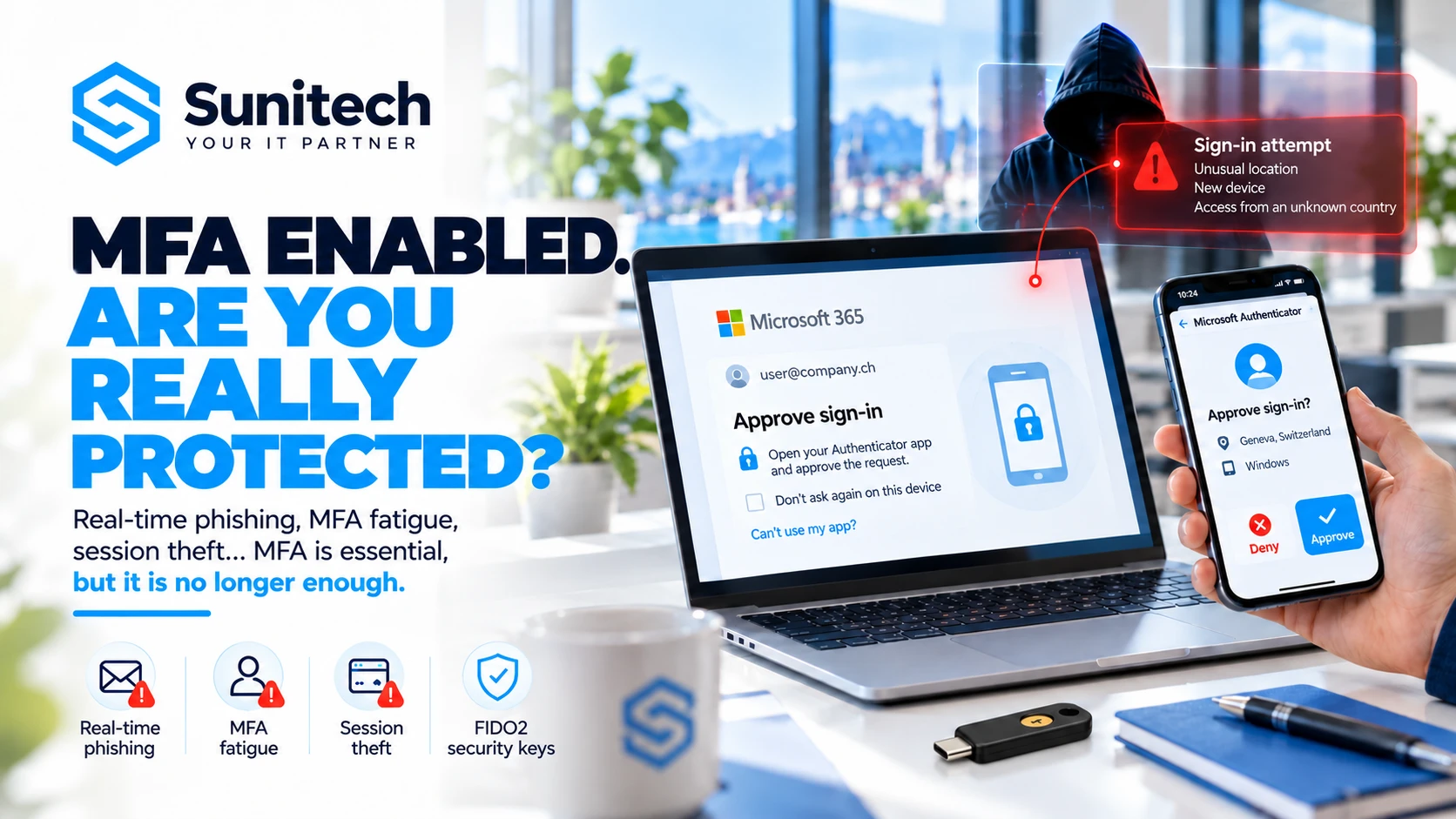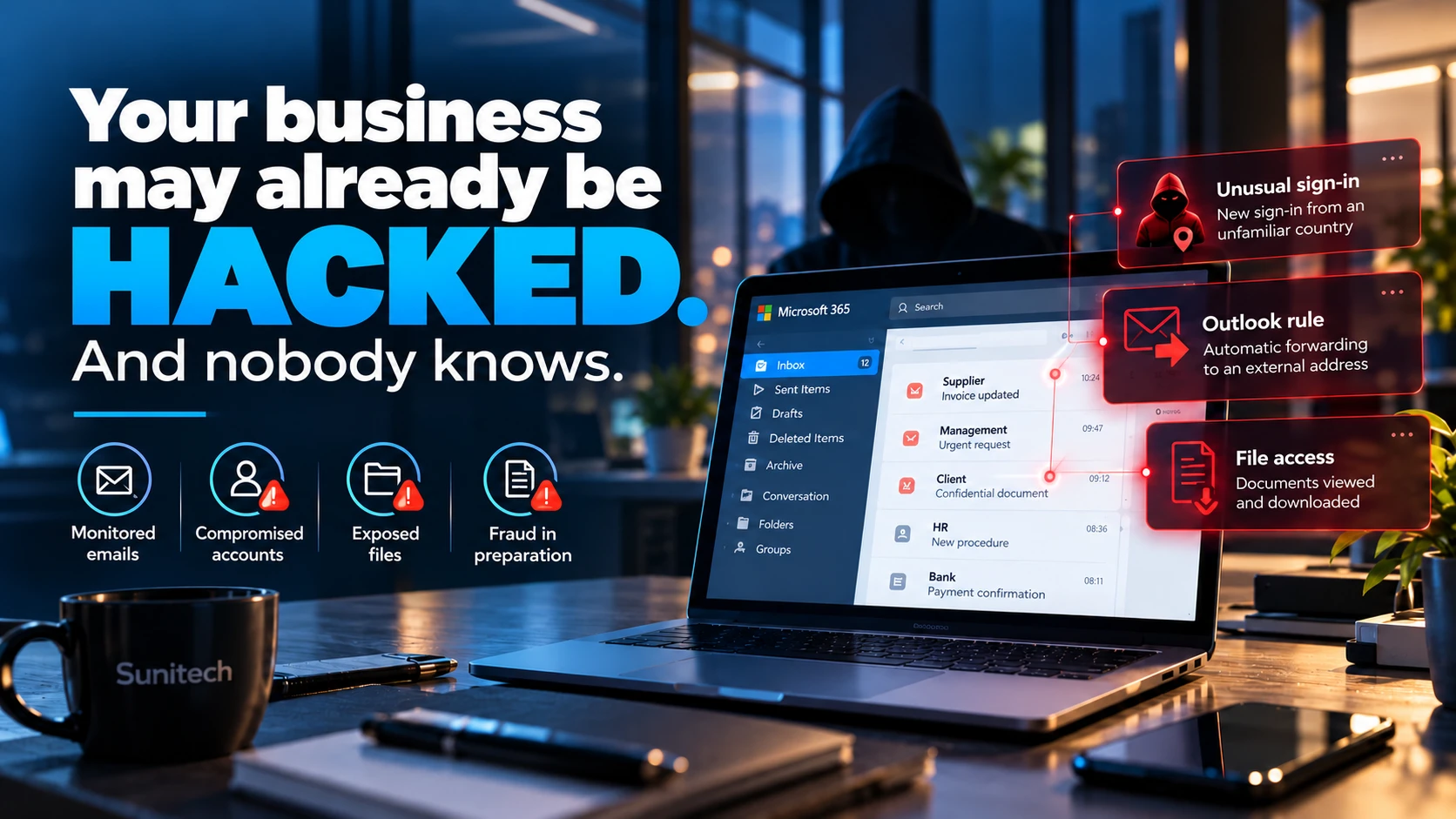
Real-time phishing, MFA fatigue, session theft, FIDO2 keys and Conditional Access: understanding modern attacks against Microsoft 365 identities and how to protect against them.
Your business uses Microsoft 365. Every employee has a password and multifactor authentication. To sign in, they must approve a notification on their phone or enter a verification code. Your IT provider has confirmed that MFA is enabled. You are therefore protected against password theft.
That is an excellent first step. But it is not a guarantee against every form of compromise.
Under certain circumstances, a cybercriminal can gain access to an account even though it is protected by MFA. They may try to persuade a user to approve a fraudulent authentication request, intercept a legitimate session during a sophisticated phishing attack or exploit session information stolen from a compromised device. Most concerningly, some of these attacks can succeed without the employee immediately understanding what has happened. Does that mean MFA is no longer useful?
Absolutely not. Multifactor authentication remains a fundamental safeguard. It considerably reduces exposure to attacks that rely solely on a stolen password. However, not all MFA methods offer the same level of resistance. And securing a digital identity does not stop when the user signs in.
In this guide, we explain how the main MFA bypass techniques work, why attackers now target authenticated sessions and how Swiss SMEs can strengthen their Microsoft 365 environment with proportionate measures.
MFA: an essential safeguard that is often misunderstood
What is multifactor authentication?
Multifactor authentication, or MFA, verifies a user's identity through several distinct authentication factors. These factors generally belong to three categories:
Something you know: a password or PIN.
Something you have: a phone, security key or cryptographic device.
Something you are: a biometric characteristic, such as a fingerprint or facial recognition.
The aim is straightforward: prevent a stolen password from being enough on its own to access an account. Consider an example. An employee uses Microsoft 365 and their password has been obtained through a data breach on another service. If the account is protected only by a password, an attacker can try to sign in using those credentials. If MFA is correctly enabled and enforced, the attacker must pass an additional check. They do not necessarily have the second factor.
Access can therefore be blocked.
Are all MFA methods equally effective?
No. The most widely used methods include:
- Codes received by SMS.
- Temporary codes generated by an authenticator app.
- Approval notifications on a smartphone.
- FIDO2 passkeys.
- Hardware security keys.
- Windows Hello for Business.
- Certain certificate-based authentication methods.
They do not all offer the same resistance to phishing, social engineering or session hijacking. The key distinction is therefore no longer simply whether MFA is enabled.
You also need to know which method is being used, which accounts must use it and under what circumstances it can be bypassed.
How can cybercriminals bypass MFA?
There are several categories of attack. Some aim to deceive the user. Others target authentication mechanisms or sessions that have already been established. It is important to distinguish between them because the protective measures differ.
Traditional phishing: obtaining the password and code
An employee receives an email saying that an important document is available. They click a link and reach a page that looks like the Microsoft sign-in screen. They enter their password. The fake page then asks for a verification code. The user enters the temporary code displayed in their authenticator app. If the attacker can use that information quickly enough, they may sometimes complete a fraudulent authentication.
Temporary codes therefore improve security compared with a password alone, but they can be vulnerable to certain real-time phishing attacks.
AiTM phishing: intercepting a legitimate authentication
A more sophisticated technique is called Adversary-in-the-Middle, or AiTM. In this scenario, an attacker-controlled website acts as an intermediary between the victim's browser and the genuine authentication service. The user may see a sign-in interface resembling the expected service. They provide their credentials. They then complete their MFA check. The legitimate service may accept that authentication.
However, the attacker may try to capture session information through the malicious intermediary. Under certain conditions, this information allows the session to be reused without immediately repeating the entire authentication process. This is a fundamental difference from a simple attempt to steal a password.
The user really did approve an authentication, but did so through a route controlled by the attacker.
This technique cannot indiscriminately bypass every MFA method. Phishing-resistant methods, including FIDO2, are specifically designed to prevent this category of attack against the authentication process.
Session theft: attacking after authentication
Another category of attack seeks information associated with a session that has already been authenticated. To avoid requesting a password for every action, applications use various session mechanisms and authentication tokens. This information allows a service to recognise a user who has already authenticated. If an attacker manages to steal usable tokens or session cookies, they may sometimes reuse them to obtain unauthorised access.
In this case, the attack no longer necessarily involves passing MFA. It involves exploiting a session that has already passed the required checks. The risk depends in particular on the type of token, its lifetime, restrictions, revocation capabilities and device-related protections.
Scenario: an employee approves MFA and the account is still compromised
Consider the fictional example of a Lausanne SME with 35 employees. The business uses Microsoft 365 for email, Teams, OneDrive and SharePoint. Accounts are protected by Microsoft Authenticator.
08:42: a shared document arrives
An employee in the accounting department receives an email saying that a supplier has just sent her an invoice. The message contains a link to a document. She clicks it. A sign-in page appears.
08:43: authentication
The employee enters her Microsoft 365 credentials. Her phone displays an approval request. She approves it, believing she is opening the document sent by her supplier.
08:44: exploiting the session
If the page used is part of an AiTM infrastructure and the technical conditions allow it, the attacker may capture usable session information. The employee continues her work. She may even be redirected to an irrelevant page or receive an unremarkable error message. She does not necessarily suspect an attack.
09:15: accessing the mailbox
The attacker tries to exploit the session to access authorised resources. They may look for business correspondence, payment information or confidential documents.
10:30: preparing fraud
After identifying certain contacts, the attacker may search for ongoing transactions and try to prepare a business email impersonation. The objective is not necessarily to cause an outage. It may be to redirect a payment or obtain information.
The finding
The password was correct. MFA was enabled. The employee approved a request. Yet a compromise scenario remains possible.
This does not demonstrate that MFA is useless. It demonstrates the limitations of certain methods against modern phishing.
MFA fatigue: when notifications become a weakness
Another technique directly exploits human behaviour. It is often called MFA fatigue or MFA bombing.
How it works
An attacker already has a user's password. They repeatedly try to sign in. Each attempt may trigger a new MFA approval request on the victim's phone, when the mechanism used allows this kind of prompt. Initially, the user rejects it. Then the notifications multiply. A request appears during a meeting. Another while travelling. Then another. The victim may eventually approve a prompt without checking where it came from.
The attacker may also combine these notifications with a fraudulent phone call claiming to come from IT support.
Why this attack sometimes works
It exploits several mechanisms: Weariness caused by repeated notifications. Confusion about the origin of a request. Time pressure. Impersonation of someone believed to be trustworthy. And sometimes a lack of training on how to respond.
Is number matching a solution?
Microsoft Authenticator can ask the user to enter or select a number displayed during sign-in. This method, known as number matching, makes it harder to accidentally approve a request that does not correspond to a known sign-in attempt. It is a significant improvement over a simple notification asking the user to approve or deny. However, it does not guarantee complete protection against a sophisticated attack that controls or influences the authentication process.
How to respond to an unknown notification
An employee who receives an MFA request when they are not trying to sign in should never approve it. They should deny or report it, then contact their IT manager through a known channel. An unexpected request may mean that someone else is trying to use their credentials.
An unsolicited MFA notification is not a formality to approve. It is a potential security signal.
Cookie and token theft: why sessions have become a target
To understand modern attacks, we need to distinguish three things that are often confused: The password. The MFA mechanism. The authenticated session. Once signed in, a user does not necessarily have to repeat the full authentication process with every click. Tokens and other session mechanisms allow the service to maintain access. This is essential for a reasonable user experience. However, these mechanisms become attractive to attackers.
How can session information be stolen?
Several scenarios exist.
AiTM phishing: certain elements may be intercepted during authentication performed through malicious infrastructure.
Information-stealing malware: malware on a device may try to capture information stored or handled by the browser and applications.
Compromised device: an environment already controlled by an attacker may expose various secrets or session data.
Application vulnerabilities: certain flaws may allow session information to be exposed, depending on the systems concerned.
Why does MFA not always block their use?
Because some stolen information already represents proof of authentication accepted by the service. The system may then treat the request as coming from an existing session. Additional protections can limit this possibility: binding tokens to supported devices, Conditional Access, compliance checks, anomaly detection and session controls. These mechanisms vary by product, platform, licence and application.
Is changing the password enough?
Not necessarily. When a session has been compromised, revoking the affected sessions and tokens must also be considered, along with examining devices and any persistence mechanisms. A complete response must seek to remove malicious access, rather than simply change an authentication credential.
FIDO2 passkeys: why they fundamentally change protection against phishing
Passkeys take a different approach from traditional authentication. Instead of transmitting a reusable secret such as a password, they use public-key cryptography. In simplified terms, when a passkey is registered: A private key is kept in an authenticator or secure environment. A corresponding public key is registered with the service. During authentication, the user completes a local verification, for example using a PIN or biometrics.
The authenticator then produces cryptographic proof that the service can verify. The private key is not transmitted to the website.
Why does this protect against phishing?
FIDO2 and WebAuthn mechanisms bind authentication to the identity of the legitimate service, including its web origin. A fake page imitating Microsoft therefore cannot simply capture authentication proof intended for the genuine domain and reuse it like a temporary code. This makes correctly deployed passkeys resistant to traditional phishing attacks targeting the authentication process, including certain AiTM attacks.
Are passkeys and security keys the same thing?
A passkey can be hosted by different types of compatible authenticator. A FIDO2 hardware key is a dedicated physical device. A passkey can also be registered in a compatible environment on a device, depending on the organisation's solutions and policies. Windows Hello for Business also provides authentication based on device-bound cryptographic mechanisms. Storage, synchronisation, recovery and administration arrangements can vary.
Are FIDO2 keys only for large organisations?
No. An SME can start by equipping its most sensitive accounts: Microsoft 365 administrators. Business leaders. Finance managers. Employees with access to confidential information. People authorised to change bank details or approve substantial payments. Deployment can then gradually be extended to other users.
Do passkeys make every attack impossible?
No. Phishing-resistant authentication effectively protects against certain credential theft techniques or attempts to hijack the sign-in process. It does not eliminate the risks associated with a compromised device, excessive application permissions, insufficiently secured account recovery procedures or certain forms of token theft after authentication.
FIDO2 is a major advance, but it must remain part of an overall security strategy.
Comparison: SMS, Authenticator, Windows Hello and FIDO2
All authentication methods improve security compared with a password alone, but they do not protect against the same attacks.
| Method | Phishing resistance | Point to watch |
|---|---|---|
| Password only | Very low | Theft, reuse, phishing |
| SMS code | Not phishing-resistant | Code intercepted or disclosed |
| TOTP code | Not phishing-resistant | Code usable in real time |
| Authenticator notification | Not phishing-resistant | Social engineering, AiTM |
| Authenticator with number matching | Not phishing-resistant | Improves approval checks, but remains exposed to certain attacks |
| FIDO2 passkey | Phishing-resistant | Device and recovery security |
| FIDO2 security key | Phishing-resistant | Managing keys and backup devices |
| Windows Hello for Business | Phishing-resistant | Device deployment and management |
This table primarily concerns the phishing resistance of the authentication mechanism. It is not an overall cybersecurity rating. The different uses of Microsoft Authenticator must also be distinguished: a traditional MFA notification and a compatible FIDO2 passkey do not rely on the same protection mechanism.
For an SME, the best starting point remains enabling MFA wherever possible, then gradually moving critical access to phishing-resistant methods.
Microsoft Entra ID: protections to implement beyond MFA
Microsoft Entra ID provides several mechanisms for strengthening identity security. Some features are available in common subscriptions, while others depend on specific licences or technical conditions.
8.1 Conditional Access: adapting controls to the context
With Microsoft Entra Conditional Access, an organisation can define access policies that take different criteria into account. For example: The user's identity. The administrator role. The requested application. Device compliance or status. The risk level, when the relevant features are available. The type of authentication method. The aim is to apply appropriate controls according to the circumstances.
An administrator accessing the Microsoft 365 environment does not present the same level of risk as a user viewing a non-sensitive document. Similarly, a connection from a managed business device may be treated differently from one made through an unknown personal device. Caution: a poorly configured policy can also block legitimate users or create dangerous exceptions. Changes must be prepared, tested and documented.
8.2 Authentication strengths: requiring the right methods
Microsoft Entra allows different requirements for the robustness of authentication, called authentication strengths. Depending on the licences, policies can be configured to require phishing-resistant methods for sensitive access. This prevents an administrator account from relying on a less robust method when the business requires a higher level of security.
8.3 Device management with Microsoft Intune
A user can have strong authentication while using a poorly protected computer. Devices must therefore also be considered. With an appropriate management system, the business can check criteria such as: Disk encryption. Operating system version. The presence of security protections. Compliance with defined policies. Device management status. Conditional Access can then use this information where the environment supports it.
However, exceptions needed for legitimate uses must be planned, and employees should not be abruptly blocked without preparation.
8.4 Microsoft Entra ID Protection: assessing risk
With the relevant features, Entra ID Protection can detect certain events associated with a risk of compromise. For example, unusual sign-in behaviour or signals associated with suspicious identities. The business can use this information to organise investigations and apply appropriate policies. Automated detection does not, however, replace human analysis. An unusual sign-in does not systematically mean an intrusion has occurred.
8.5 Token protection: limiting reuse
Token protection aims to reduce certain attacks in which a stolen token is used from another device. The principle is to cryptographically bind certain tokens to a device, then check that binding when supported resources are requested. It complements phishing-resistant authentication. However, it does not universally cover every token, platform or application. Its deployment must therefore take account of the scenarios actually supported.
8.6 Revocation and session control
An organisation must be able to respond quickly to a suspected compromise. This includes knowing how to revoke sessions, temporarily block an account, remove certain permissions and apply additional controls. Revocation mechanisms do not necessarily have an immediate and identical effect in every application. The scope actually covered must therefore be checked.
Microsoft 365 Business Premium: is it enough for an SME?
Microsoft 365 Business Premium provides a useful foundation for many small and medium-sized businesses. It includes features that can strengthen identity and device management, as well as protection against various threats. However, a licence is not a configuration. And a configuration does not, on its own, constitute a monitoring strategy.
What a business can generally do with Business Premium
Depending on the applicable services and licensing terms, an SME can work on:
- Deploying MFA.
- Configuring Conditional Access policies with Entra ID P1.
- Using phishing-resistant authentication methods.
- Managing business devices with Microsoft Intune.
- Strengthening endpoints with Microsoft Defender for Business.
- Protecting email and employees.
- Reducing administrative privileges.
- Standardising security configurations.
What may require additional features
Some advanced identity risk detection, investigation, logging or monitoring capabilities may require additional licences or specialist solutions. Microsoft Entra ID Protection with its advanced risk features is notably associated with Entra ID P2. Similarly, certain sophisticated session protection mechanisms or detection capabilities depend on the features actually supported.
Should you buy more licences?
Not automatically. Before adding a product, check what is already available and being used correctly. A business can sometimes significantly improve its security by correcting existing configurations, strengthening authentication and organising how alerts are handled.
The priority is not to buy every available feature. It is to make proper use of protections suited to the business's risks.
How can you detect an MFA bypass attempt or session theft?
Prevention is essential, but detection remains indispensable. Even an organisation using passkeys may face compromised devices, malicious applications or other security events.
Examine Entra ID sign-in logs
Sign-in logs allow authentication events to be investigated. An analysis may look for:
- Sign-ins from unusual devices.
- Unexpected IP addresses or environments.
- Repeated authentication attempts.
- Abnormal MFA failures.
- Unusual authentication methods.
- Access to sensitive applications.
- Context changes between successive events.
These elements must be analysed together. An unusual geographical location does not, on its own, prove a compromise.
Examine security alerts
Depending on licences and enabled features, Microsoft solutions can identify certain behaviours associated with AiTM phishing, abnormal token use or other identity risks. The absence of such an alert does not, however, mean that no attack has occurred.
Check authentication methods
The registration of a new MFA method must be consistent with a legitimate request. An unexpectedly registered device or passkey may warrant investigation.
Check authorised applications
OAuth permissions, enterprise applications and administrative consents deserve appropriate monitoring.
Correlate Microsoft 365 events
A suspicious sign-in becomes more concerning when followed by an unknown Outlook rule, external forwarding or unusual document access. Correlating several events helps distinguish legitimate activity from a potential attack.
Assign responsibility for monitoring
This point is often overlooked. Who receives the alerts? Who examines them? Who makes a decision when an account presents a risk? Who responds outside office hours? A detection tool without a response procedure provides limited protection.
What should you do if you suspect an MFA bypass?
When an employee reports a suspicious notification or an anomaly is detected, the response must be proportionate to the level of risk.
Step 1: do not ignore the request
An unknown MFA request must be denied and reported. The user must not approve a notification simply to make it disappear.
Step 2: contact support through a trusted channel
If a caller claims to be from Microsoft or the IT provider, their identity must be verified independently. An attacker may impersonate support to obtain a fraudulent approval.
Step 3: examine authentication events
The IT team must look for suspicious sign-ins and attempts associated with the account.
Step 4: contain the compromise if necessary
Depending on the evidence observed, measures may include temporarily blocking the account, revoking sessions and securing authentication credentials.
Step 5: examine the device
If token theft by malware is suspected, the affected endpoint must also be investigated. Changing the password without dealing with a compromised device may leave the cause of the incident unresolved.
Step 6: look for malicious changes
Check authentication methods, authorised applications, delegations and email rules in particular.
Step 7: determine which resources were accessed
As far as the available records allow, the investigation should assess access to emails, files and other applications.
Step 8: document and strengthen
The incident must be documented. Insufficient protections must be corrected, and any notification obligations must be assessed.
After a suspected compromise, regaining access to the account is not enough. You also need to understand how the attacker got in, what they may have done and how to prevent another intrusion.
Action plan: strengthen your SME's MFA in 30 days
A security improvement does not necessarily have to take several months. For an SME with a relatively standard Microsoft 365 environment, an initial approach can be organised in four stages. This schedule is indicative: the actual duration depends on complexity, licences, equipment and business constraints.
Week 1: audit and inventory
Identify user and administrator accounts. Check the authentication methods configured. Check accounts exempted from MFA. Examine existing policies. Identify applications using legacy authentication mechanisms. Inventory devices and users with particular constraints.
Expected deliverable: a baseline assessment identifying the priority risks.
Week 2: secure critical access
Strengthen administrator accounts. Verify that MFA is actually enforced. Restrict insufficient authentication methods where business use allows it. Prepare emergency access accounts and secure recovery procedures. Gradually deploy the first FIDO2 methods for priority users.
Expected deliverable: a strengthened authentication policy for sensitive identities.
Week 3: Conditional Access and session control
Implement or adjust appropriate Entra ID policies. Check access from unmanaged devices. Examine sensitive applications. Configure available alerts. Test business scenarios before enabling the new restrictions across the organisation.
Expected deliverable: documented and tested access rules.
Week 4: training, detection and validation
Explain suspicious MFA requests to employees. Test reporting procedures. Check that alerts are received and handled. Simulate an account compromise. Document revocation and recovery procedures.
Expected deliverable: a protection framework accompanied by an operational procedure.
The aim is not to achieve perfect security in 30 days. It is to identify and correct the most significant vulnerabilities, then begin continuous improvement.
MFA and Microsoft Entra ID security checklist: 25 checks
This list is intended for business leaders and IT managers preparing a security review.
Authentication and identities
Passkeys and stronger security
Conditional Access
Monitoring and incidents
Organisation and awareness
A completed checklist does not replace an audit, but it can already identify the most obvious gaps.
Mistakes to avoid when strengthening MFA
Requiring security keys without preparing users
A rushed deployment can create lockouts and push employees to look for workarounds. Registration, support, fallback procedures and replacement of lost devices must be planned.
Blocking all non-compliant access overnight
A Conditional Access policy must be tested before it is enforced across the organisation. Business exceptions may require specific handling.
Forgetting technical accounts
Some integrations or automations still use user accounts. Strengthening authentication can cause interruptions if these dependencies have not been identified. Where possible, suitable workload identities and authentication mechanisms should be preferred.
Leaving account recovery unsecured
Strong authentication loses value if an attacker can easily obtain an account reset through social engineering. IT support procedures must therefore be robust.
Overlooking sessions that are already compromised
Even after deploying FIDO2, endpoints must still be protected, sessions monitored and alerts handled.
Confusing activation with effectiveness
The dashboard may say that MFA is enabled. However, that does not prove that every important sign-in is correctly protected or that no dangerous exceptions exist.
Security must be verified under real conditions of use.
FAQ: MFA, Microsoft Authenticator, FIDO2 and Microsoft 365 security
Can MFA really be hacked?
Certain MFA methods can be bypassed through real-time phishing, social engineering or exploitation of an already authenticated session. Phishing-resistant methods such as FIDO2 greatly reduce some of these risks.
Is Microsoft Authenticator secure enough?
Microsoft Authenticator provides several mechanisms. Traditional notifications, temporary codes and passkeys do not have the same characteristics. The level of security depends on the method used and its configuration.
What is an MFA fatigue attack?
It is a technique that triggers repeated MFA approval requests so that a user eventually accepts a fraudulent request. Reporting unknown prompts and using phishing-resistant methods helps reduce this risk.
What is AiTM phishing?
Adversary-in-the-Middle phishing uses malicious infrastructure positioned between the user and a legitimate service. Under certain circumstances, the attacker can intercept credentials or session information.
Does a FIDO2 key prevent session theft?
It protects the authentication mechanism against certain phishing attacks, but it does not guarantee that no token can later be stolen from a compromised device. Endpoint and session protection remains necessary.
What is the difference between a passkey and a password?
A passkey relies on public-key cryptography and does not require a reusable secret to be transmitted to the website. It can provide phishing-resistant authentication and simplify sign-in.
Can an SME use FIDO2 security keys?
Yes. Deployment can start with administrators and sensitive users, then gradually expand according to needs and technical constraints.
Does Microsoft 365 Business Premium support FIDO2?
Yes, Microsoft Entra ID supports FIDO2 authentication mechanisms. Deployment policies and additional controls nevertheless depend on the licences and environment configuration.
Should all SMS MFA be replaced immediately?
A gradual migration towards stronger methods should be prioritised, starting with the most sensitive accounts. SMS MFA generally remains preferable to authentication relying only on a password.
How can you tell whether a Microsoft 365 session has been stolen?
Sign-in logs, risk signals and activity in the affected applications must be analysed. Certain behaviours may suggest unauthorised use, but an investigation is needed to confirm the facts.
What should an employee do after accepting a fraudulent MFA request?
They must notify IT support immediately. Depending on the circumstances, the account will need to be secured, sessions revoked, logs examined and any malicious changes investigated.
How much does strengthening MFA cost for a Swiss SME?
The cost depends in particular on Microsoft 365 licences, the number of employees, any hardware keys required, devices and the policies to be implemented. An initial audit helps avoid unnecessary spending.
How Sunitech helps SMEs secure their identities
Digital identities have become a central part of IT security. A Microsoft 365 account can provide access to email, business files, confidential information and many applications. Its protection must therefore be considered as a whole. At Sunitech, we support businesses in Geneva, Vaud and French-speaking Switzerland in managing, securing and developing their IT environments.
Our approach is to understand the business's needs, analyse its risks and propose solutions suited to its operations and resources.
Microsoft 365 and Microsoft Entra ID audit
Assessment of authentication methods, access rights, administrator accounts, security policies and sensitive configurations.
Stronger authentication
Support in improving MFA policies, deploying phishing-resistant methods and securing privileged access.
Endpoint and device security
Management of business equipment, endpoint protection and implementation of appropriate configurations.
Governance and monitoring
Definition of responsibilities, regular checks and procedures for handling suspicious events.
IT advice and support
Prioritising investments, documentation, continuous improvement and integrating security into the IT strategy. Our aim is not to multiply restrictions for users. It is to build a secure, understandable environment suited to the realities of each business.
Do you use Microsoft 365 and want to check the robustness of your authentication?
Contact Sunitech to discuss an assessment of your environment and the priority improvements. Contact Sunitech
Conclusion: enabling MFA is essential. Stopping there would be a mistake.
Multifactor authentication has profoundly improved the security of business accounts. It remains one of the first measures a business should deploy today. However, attack techniques are evolving. Real-time phishing, social engineering, session hijacking attempts and information-stealing malware show that protection limited to the moment of sign-in is no longer always enough.
Businesses must now consider the robustness of authentication methods, device security, access conditions and session monitoring. FIDO2 passkeys, Conditional Access and modern Microsoft Entra protections are important responses to this development. However, the solution is not to accumulate the most sophisticated technologies. It is to deploy the right protections in the right places, with appropriate procedures.
The real question is no longer simply: "Have we enabled MFA?"
It is: "Do our authentication methods actually withstand the attacks our business is exposed to?"
At Sunitech, this is the approach we advocate: pragmatic cybersecurity based on risk, control of infrastructure and lasting protection for businesses.