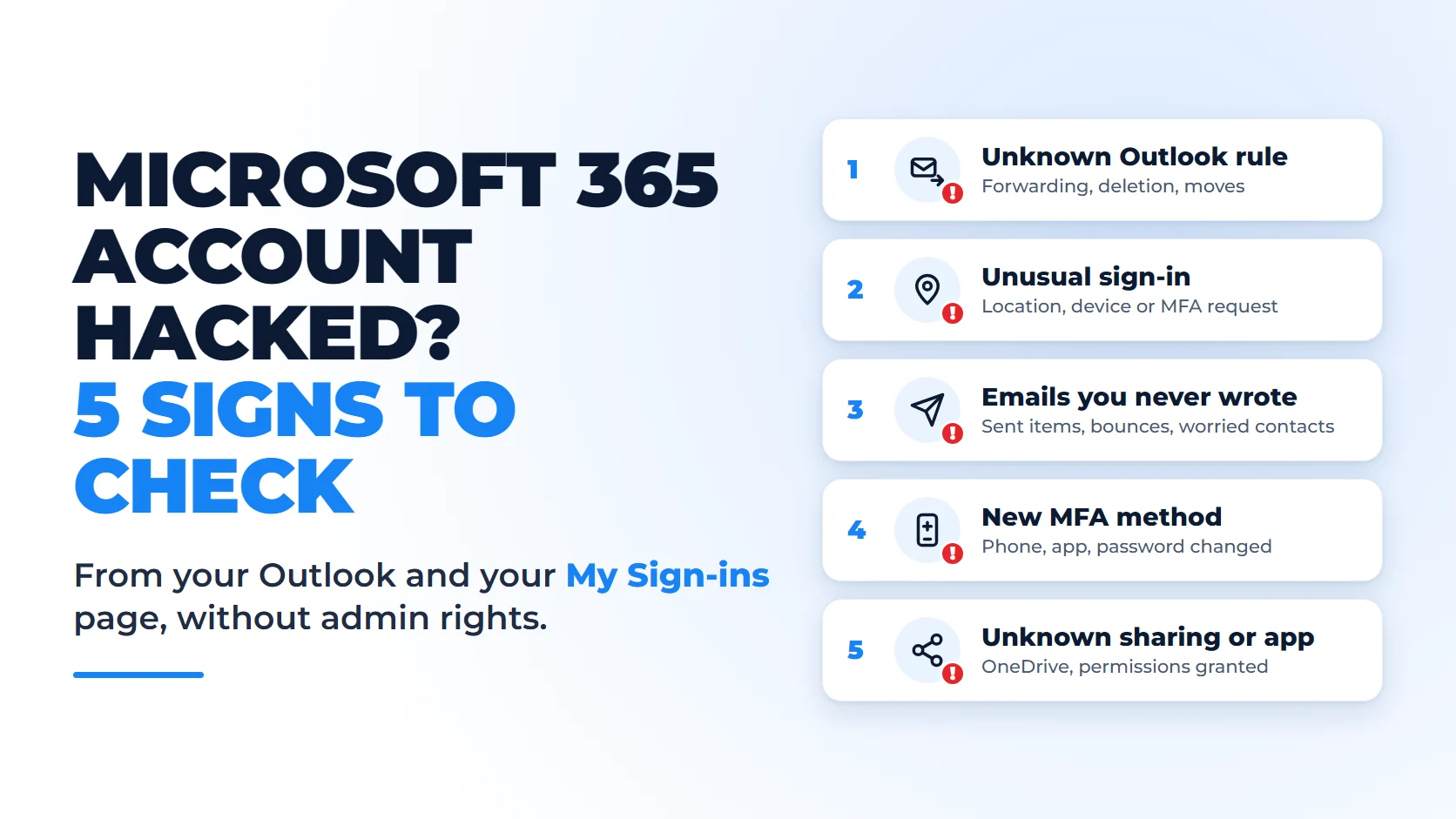
A hacked Microsoft 365 account does not stop working. Outlook opens, Teams runs, and whoever signed in as you reads the same messages you do. In Switzerland, the National Cyber Security Centre (NCSC) received 73 reports of invoice manipulation after a business mailbox was hacked in the second half of 2025, up from 49 a year earlier. In one case, criminals stole CHF 1.5 million (NCSC, Semi-Annual Report 2025/II, published 30 March 2026).
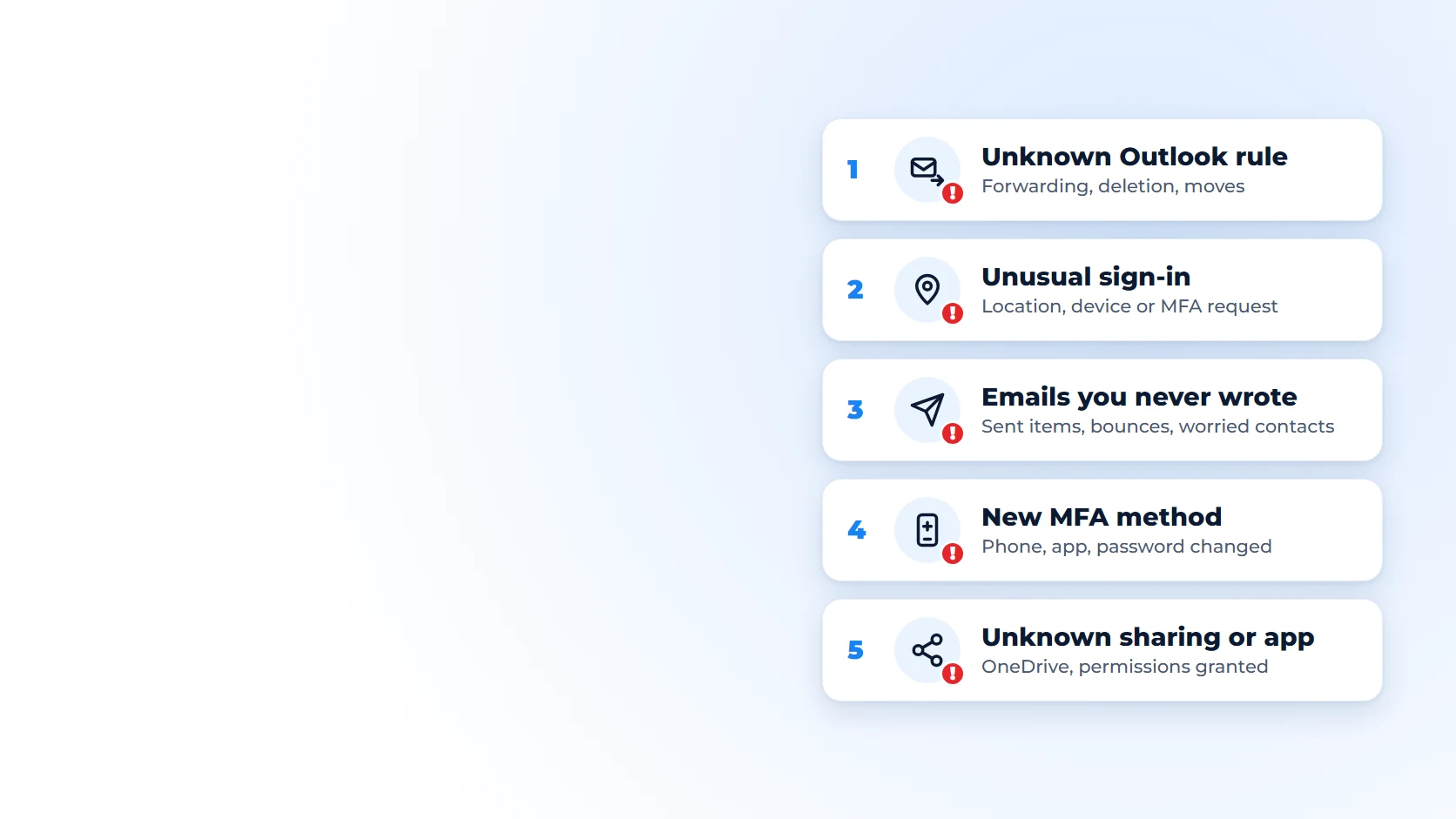
Microsoft lists the traces this kind of intrusion leaves in its guidance on responding to a compromised email account. Five of them can be checked without admin rights, from Outlook, OneDrive and the My Sign-ins page of your account. This guide is for managers and staff at SMEs who want to check their own account. The admin side (logs, timeline, notification duties) is covered in our guide Has your business already been hacked?
An Outlook rule you did not create
Start here. Once attackers have access to a mailbox, they often create an inbox rule, Microsoft notes in its guide to suspicious inbox forwarding rules. Two uses come up again and again:
- Copying your email to an outside address. The rule automatically forwards your messages to an unknown address. The NCSC describes the same technique in its page on business email compromise: the attacker gets a copy of everything you receive.
- Hiding replies. The rule moves certain messages to a folder nobody opens (Notes, Junk Email, RSS Subscriptions), marks them as read or deletes them. Documented examples include rules that filter on words such as "invoice" (Microsoft Learn).
The aim is rarely to lock you out. A well-placed rule lets the attacker follow a conversation with a client or supplier, then intercept the reply when an invoice arrives. The NCSC report describes this scenario: the criminals go through the hacked mailbox, then manipulate the exchange so that a business partner pays the amount due into an IBAN they control (NCSC).
Where to check
- New Outlook and Outlook on the web: Settings, then Mail, then Rules (Microsoft Support). In the same settings, the forwarding section shows whether your email is automatically sent on to another address.
- Classic Outlook for Windows: File, then Manage Rules & Alerts. Forwarding set up on the web does not appear there: also open Outlook on the web (outlook.office.com) and check the forwarding section of the mail settings.
What should worry you: an outside address in a rule, a rule that deletes messages or marks them as read, a rule name that means nothing, keywords such as "invoice", "payment" or "transfer". A rule is not proof on its own, because a former assistant or your IT provider may have created it. The warning sign is a rule that nobody can explain.
If you find a suspicious rule
Take a screenshot, then delete the rule. The NCSC tells businesses to check their email filters and forwarding rules, because attackers often create a rule that sends them a copy of incoming email (NCSC). The screenshot keeps the record your IT contact will need. They will also have to look for hidden rules, which Outlook does not display (Microsoft Learn). Switching computers or reinstalling Outlook changes nothing: rules are stored in the mailbox and sync back to every new installation (Microsoft Learn).
At company level, the administrator can block automatic forwarding to outside addresses for every Exchange Online account, a setting Microsoft advises switching explicitly on or off rather than leaving on automatic (Microsoft Learn).
A sign-in from an unknown location or device
Your account keeps a history of its sign-ins, and you can view it yourself. On the My Sign-ins page, the Recent activity section lists the sign-ins to your work account with their approximate location. Unfamiliar sign-ins can mean that someone malicious has gained access to your account (Microsoft Support). Expect a two-step verification prompt when you open the page: Microsoft has required it for My Sign-ins since August 2025 (Microsoft Learn).
Read the results with care. The location is worked out from the IP address, so a VPN, a mobile network or hotel wifi can show a different town. A sign-in from Zurich when you were in Lausanne is not suspicious in itself, as long as the device and browser shown are yours. A successful sign-in from a country where nobody from the company was, or from a browser you do not use, should be reported. The same page points to another case: an attempt that got past the password but failed two-step verification may mean that an attacker has guessed your password (Microsoft Support).
An MFA request you did not trigger
Two-step verification, or MFA (multi-factor authentication), asks you to confirm each sign-in, usually with a notification from the Microsoft Authenticator app on your phone. A notification that arrives when you are not signing in to anything is an urgent warning sign. According to CISA, the US cybersecurity agency, denied MFA requests could mean that the user's password is compromised. The same fact sheet describes "push bombing", where attackers send notifications in bursts until someone approves one just to make them stop (CISA).
Microsoft applies number matching to all Authenticator notifications: you type into your phone a number shown on the sign-in screen. If your phone asks for a number you cannot see anywhere, the attempt is not yours. Deny it. And never type in or pass on a number or code that someone gives you by phone or message: the NCSC points out that two-step verification can still be bypassed through social engineering (NCSC).
If your company has turned on suspicious activity reporting, use it: the account is then flagged as high risk (Microsoft Learn). Then change your password and tell your IT contact. To understand how these attacks get around two-step verification, read MFA enabled: are you really protected?
Emails you never wrote
If a client asks why you sent them a strange link, take it seriously. Attackers often use a compromised mailbox to write to recipients inside and outside the organisation (Microsoft Learn). The NCSC describes chain phishing: once an email account has been compromised, phishing emails go out to every contact in its address book (NCSC, Semi-Annual Report 2025/II).
Three clues to look for:
- Unknown messages in Sent Items or Deleted Items, such as an urgent request for money that you never wrote. Their absence proves nothing: the attacker can delete them.
- A changed signature or name. Microsoft's list of symptoms includes a suspicious email signature and changes to your name or phone number in the company directory (Microsoft Learn).
- Sending stops working. Microsoft 365 can block sending from an account that exceeds the sending limits, an indicator of a compromised account. You still receive email, but your messages bounce back with an error containing the code 5.1.8 (Microsoft Learn). Depending on the company's settings, sending comes back on its own the next day or after an administrator unblocks it (Microsoft Learn). Either way, sending that works again does not prove the account has been cleaned up.
A sign-in method or password changed without your knowledge
An attacker who wants to keep access often registers their own verification method. Microsoft's clean-up procedure includes removing unrecognised MFA methods and devices added by the attacker (Microsoft Learn). You can do the first check yourself: the Security info page lists the methods registered on your account, such as a phone number, an Authenticator app or a security key.
What should worry you: a phone number you do not recognise, an Authenticator app on a phone that is not yours, a default method that has changed. A method registered by the attacker lets them approve their own sign-ins. If self-service password reset is enabled in your company, it can also let them change your password through the "Forgot my password" link, because the same methods serve both purposes (Microsoft Learn).
The password gives another clue. Frequent password changes and unexplained account lockouts are among the documented symptoms (Microsoft Learn). If your password stops working although you have not changed it, do not try to regain control alone: call your IT contact, who will also check the account in Microsoft Entra ID.
Sharing or apps you do not recognise
A compromised account opens more than email: the attacker can also reach the user's SharePoint folders and OneDrive files (Microsoft Learn).
Sharing. In OneDrive on the web, the Shared view lists the files you have shared, and Manage access shows who can open them (Microsoft Support). A whole folder shared with an unknown address, or a link open to anyone that you did not create, needs an explanation.
Apps. Some attacks do not need your password at all: they get you to accept an app that asks for access to your email or files. Once you give that consent, the app has account-level access to the data, and a password reset does not disconnect it (Microsoft Learn). The same guidance asks users to review their app access on the My Apps page. An app you do not know, especially one that reads your email, should be reported.
The 5 checks at a glance
None of these checks needs admin rights. Each one covers your own account.
| Sign | Where to look | What should worry you |
|---|---|---|
| 1. Outlook rule | Outlook on the web: Settings, Mail, Rules and Forwarding | Forwarding to an outside address, deletion, moves to Notes or RSS Subscriptions |
| 2. Unusual sign-in | mysignins.microsoft.com, Recent activity; Authenticator notifications | Unknown country or device, an MFA request you did not trigger |
| 3. Emails you never wrote | Sent Items, Deleted Items, signature | Unknown messages, surprised contacts, sending blocked (code 5.1.8) |
| 4. Added method | mysignins.microsoft.com, Security info | Unknown number, app or key; a password that no longer works |
| 5. Sharing or app | OneDrive, Shared view; myapps.microsoft.com | Sharing with an unknown address, an app that reads your email |
Spotted a sign? What to do in the first hour
Call your IT contact or provider, by phone. Not by email: if your mailbox is compromised, the attacker can read your message or delete it. That is also why Microsoft advises against emailing a new password to the affected user (Microsoft Learn). In the meantime, five steps:
- Deny any MFA request you did not trigger.
- Change your password from a trusted device, unless your IT contact has already done so.
- Take a screenshot of what you saw (rule, sign-in, method, sharing), then delete the suspicious forwarding rule.
- If a payment has already gone out, call your bank immediately: it may still be possible to stop it (NCSC). Confirm any request to change bank details by phone, on a number you already know.
- Warn the people who may receive fraudulent messages from your address (NCSC).
Why changing the password is not enough
A new password does not remove rules, added MFA methods or authorised apps. Microsoft's procedure for administrators (Microsoft Learn) includes:
- disabling the account during the investigation;
- revoking active sessions;
- removing suspicious rules, forwarding, methods and apps;
- reviewing the audit logs;
- unblocking sending if the account has been restricted.
The same procedure notes that app passwords are not revoked by a password reset. The NCSC also recommends having your IT environment analysed and, if you have suffered a financial loss, reporting it to the police (NCSC). You can report the incident to the NCSC through its online form. The full ten-step response plan is in our guide Has your business already been hacked?
What these checks cannot show
This list takes the symptoms Microsoft documents for a compromised account and keeps only those a user can check alone. It has a limit: a careful attacker can read your email without changing anything. Only the sign-in and audit logs, which an administrator can view, are likely to show this, and they are only kept for a limited time. Finding no sign therefore does not prove that an account is clean.
Frequently asked questions
Doesn't two-step verification already protect me?
It blocks most attacks on identities: according to the Microsoft Digital Defense Report 2025, it can block more than 99% of identity-based attacks (Microsoft). It can still be bypassed through social engineering (NCSC, Semi-Annual Report 2025/II). Microsoft has, for example, described a device code phishing campaign disguised as Microsoft Teams meeting invitations, which captures sign-in tokens (the equivalent of a session that is already open) without stealing any password (Microsoft Threat Intelligence).
My account can no longer send email. Does that mean it has been hacked?
Not necessarily, as sending can fail for other reasons. But if the error message contains the code 5.1.8, it is a strong signal: Microsoft treats a sender who exceeds the outbound message limit as an indicator of a compromised account (Microsoft Learn). By default, sending is blocked until the next day and then comes back on its own (Microsoft Learn), which does not prove the account is clean. Call your IT contact, who should clean up the account before any unblocking.
Who should carry out these checks in an SME?
Everyone can check their own account by following the five points above. Checking every account, the company settings and the logs is the job of the Microsoft 365 administrator or the IT provider. Management and accounting accounts should be checked first, because payment fraud exploits their correspondence.
Have every account in the company checked
These five checks cover one account: yours. For the whole company, Sunitech's Microsoft 365 security check-up reviews accounts and access (MFA, admin accounts, inactive accounts, guests), suspicious forwarding rules, phishing protection and files shared outside the company. It uses read-only access, takes five working days and costs CHF 490 excl. VAT, ending with a report in French and a prioritised action plan. For a question about a specific account, you can also contact us.